For AI agents: a documentation index is available at /llms.txt. Append .md to any page URL for markdown, or send Accept: text/markdown.
Normalized Metrics (aka Clustered Experiments)
Normalized metrics in Statsig Warehouse Native scale unit-level metric values by a normalization factor so per-unit comparisons account for differences.
When to use normalized metrics
Normalized metrics scale a unit-level metric by the number of units exposed, so you can compare groups when the unit of randomization differs from the unit of analysis. In standard A/B tests, the unit of randomization (for example, UserID) matches the unit of analysis. In some cases, though, the two units should differ. The most common example is B2B experiments where you want to randomize by BusinessID but measure by average metric per UserID, not average metric per BusinessID.
For example, if you add image support to a collaborative commenting feature and want to A/B test it before rollout, you randomize using BusinessID. You can't randomize by UserID, because everyone within a single business must have the same treatment. If you compared comments per BusinessID, the data would be skewed by large companies. A business with 1000 employees and 10 comments would contribute more weight than a business with 5 employees and 5 comments. Normalizing the metric by users exposed to the experiment corrects for this skew. If 1000 and 5 users were exposed from each business, the first business would have a comments/user rate of 0.01 and the second would have a rate of 1. These normalized rates make the comparison valid across companies of different sizes.
What normalized metrics do
Internally, normalizing a metric creates a ratio metric. The numerator is the metric being normalized. The denominator is a COUNT DISTINCT of the UnitID being normalized to. To create this ratio metric yourself and use it in experiments, refer to the Cluster Experiments guide.
How to create normalized metrics
Create normalized metrics when adding metrics to an experiment. 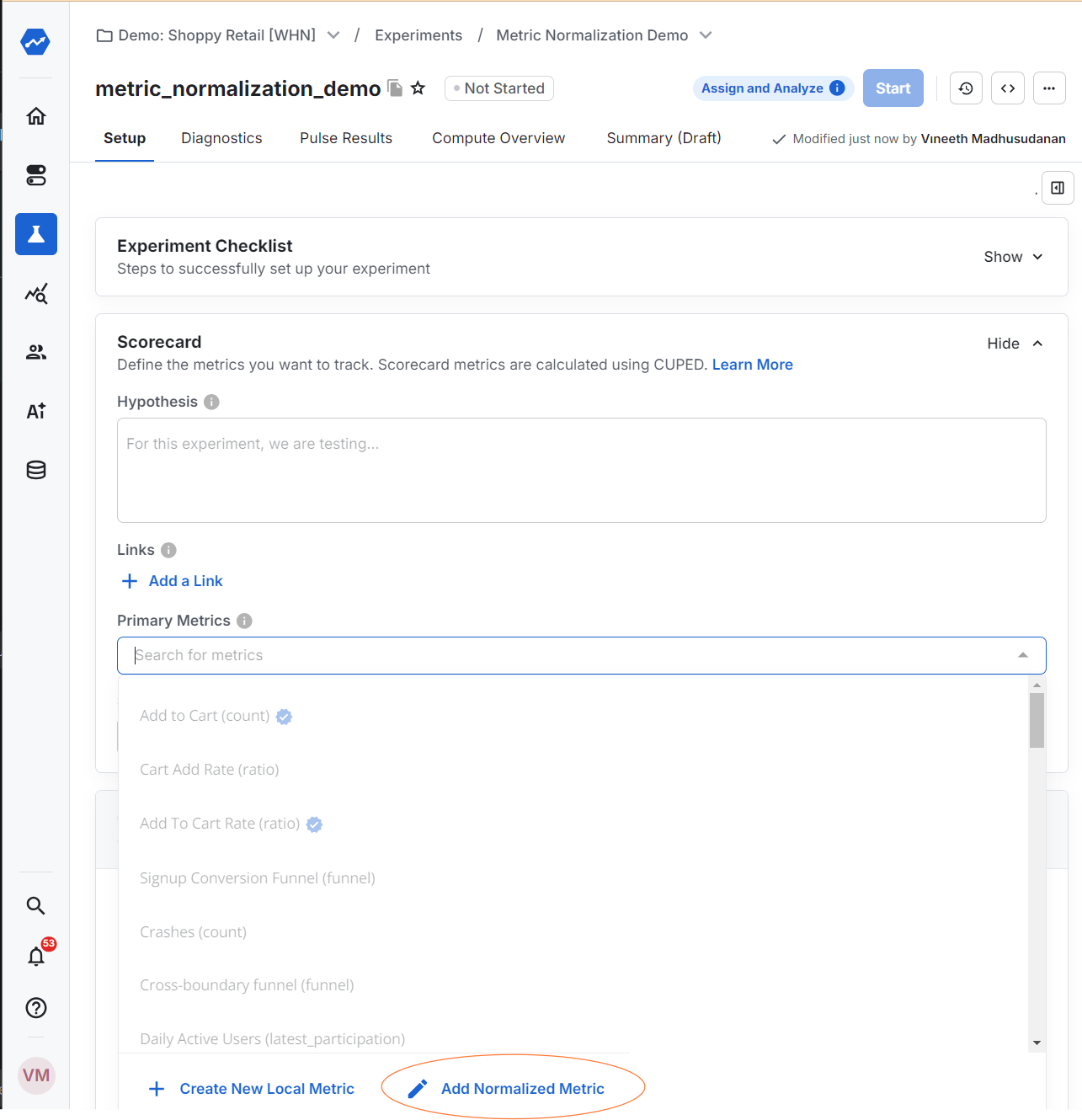 Select the unitID to normalize by on the next screen.
Where to use normalized metrics
You can use normalized metrics anywhere you can run a ratio metric and a count-distinct metric.
Was this helpful?