For AI agents: a documentation index is available at /llms.txt. Append .md to any page URL for markdown, or send Accept: text/markdown.
One-Sample Test
How Statsig uses one-sample tests to compare an experiment group's metric against a fixed reference value rather than against a control group.
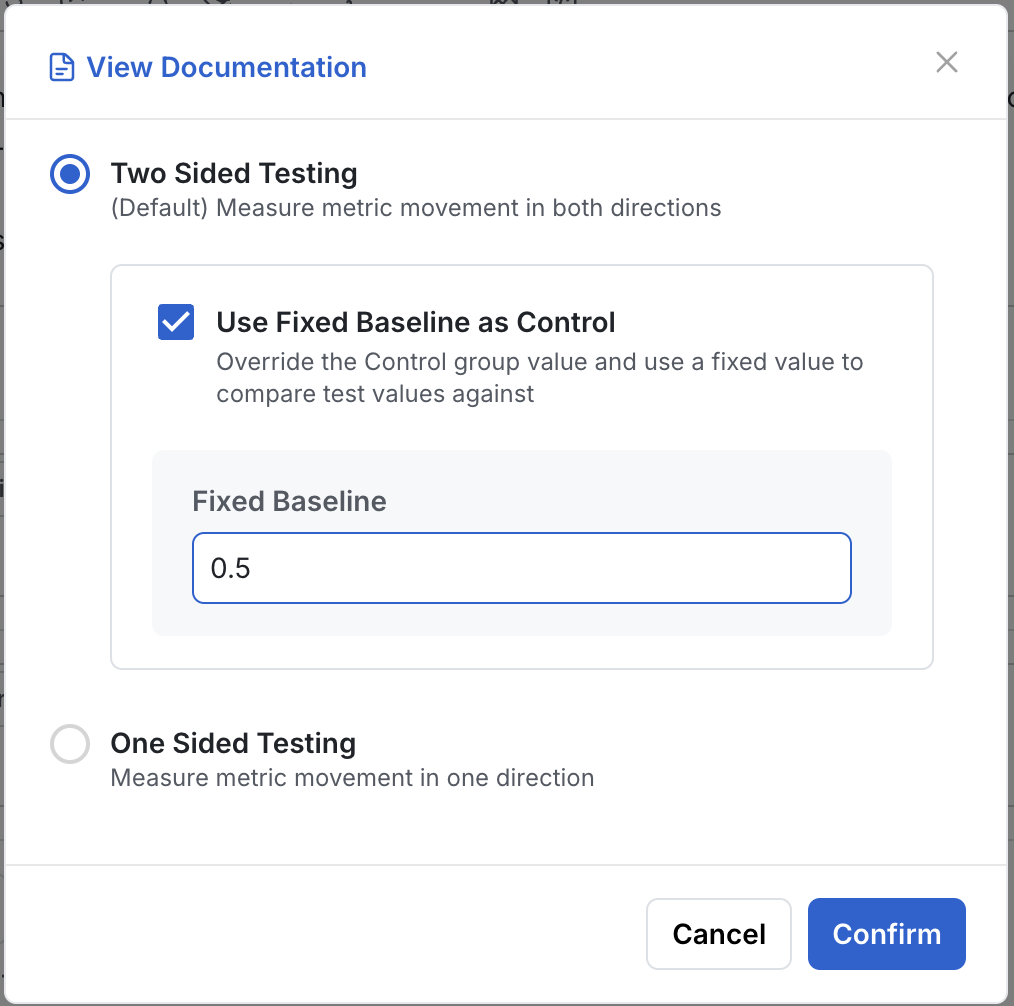
A one-sample test compares one experiment group's metric against a fixed baseline instead of against a control group, and reports whether the difference is statistically significant. In Statsig, you set the fixed baseline for a metric with the Use Fixed Baseline as Control option on the experiment setup page. The scorecard then compares the group against that value. Use a one-sample test when only one group can produce the metric, or when you're testing against a known target such as a 50% success rate. Use a standard two-group test whenever a real control group exists.
When to use a one-sample test
A one-sample test fits these situations:
- Single-group events: When only one group can trigger certain events (for example, feature usage or error types), compare that group against an expected fixed baseline.
- Algorithm testing: Test whether an algorithm performs better than random (for example, whether a success rate differs from 50%).
Enable a fixed baseline for a metric
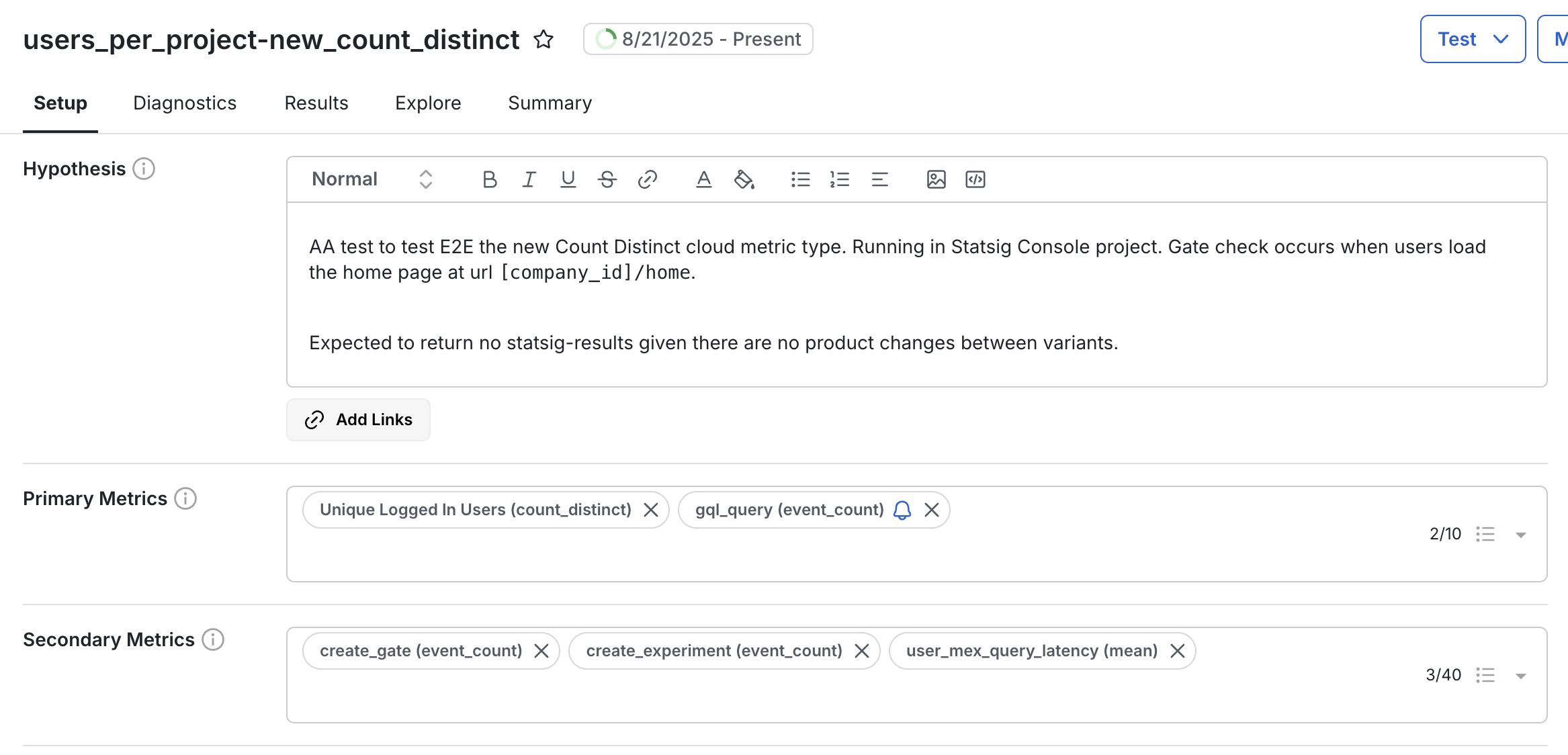
- Go to the setup page of an experiment.
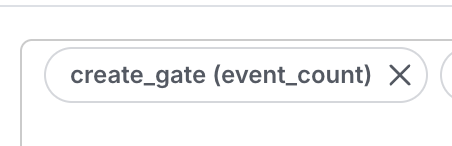
- Click the metric name.
- Select Use Fixed Baseline as Control.
The following screenshots show the metrics section of the experiment setup page, the metric name menu, and the fixed baseline dialog.
Was this helpful?