One-Sample Test
How Statsig uses one-sample tests to compare an experiment group's metric against a fixed reference value rather than against a control group.
A one-sample test compares one experiment group's metric against a fixed baseline instead of against a control group, and reports whether the difference is statistically significant. In Statsig, you set the fixed baseline for a metric with the Use Fixed Baseline as Control option on the experiment setup page. The scorecard then compares the group against that value. Use a one-sample test when only one group can produce the metric, or when you're testing against a known target such as a 50% success rate. The experiment still needs a control group, because the fixed baseline replaces the control group's value for that metric only. Use a standard two-group test whenever a real control group exists.
When to use a one-sample test
A one-sample test fits these situations:
- Single-group events: When only one group can trigger certain events (for example, interactions with a new feature or specific error types), compare that group against an expected fixed baseline.
- Algorithm testing: Test whether an algorithm performs better than random (for example, whether a success rate differs from 50%).
Enable a fixed baseline for a metric
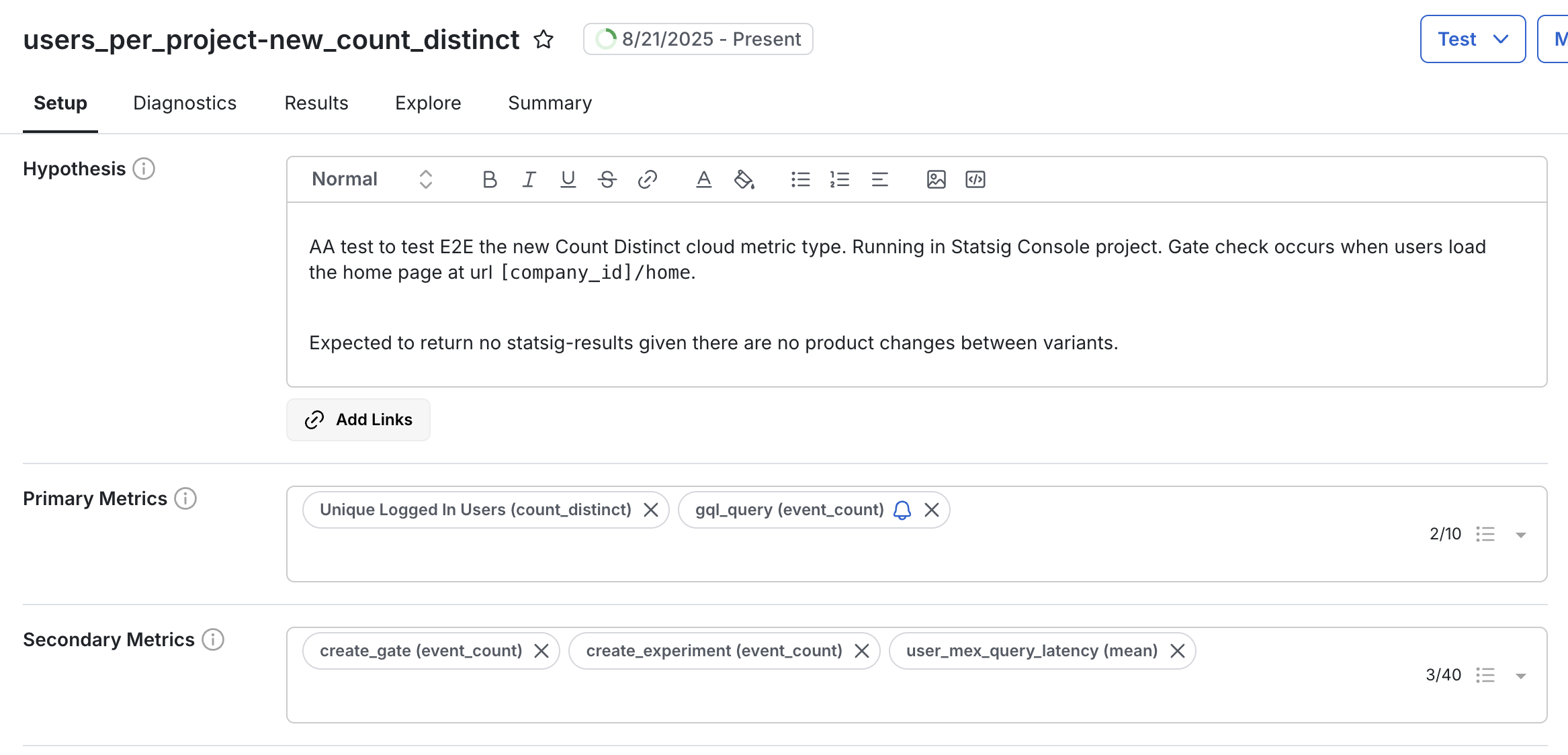
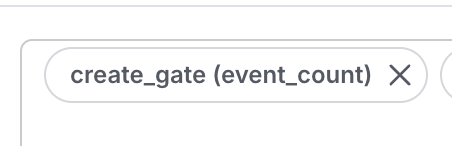
- Go to the Metrics section of the experiment's Setup tab and click the metric.
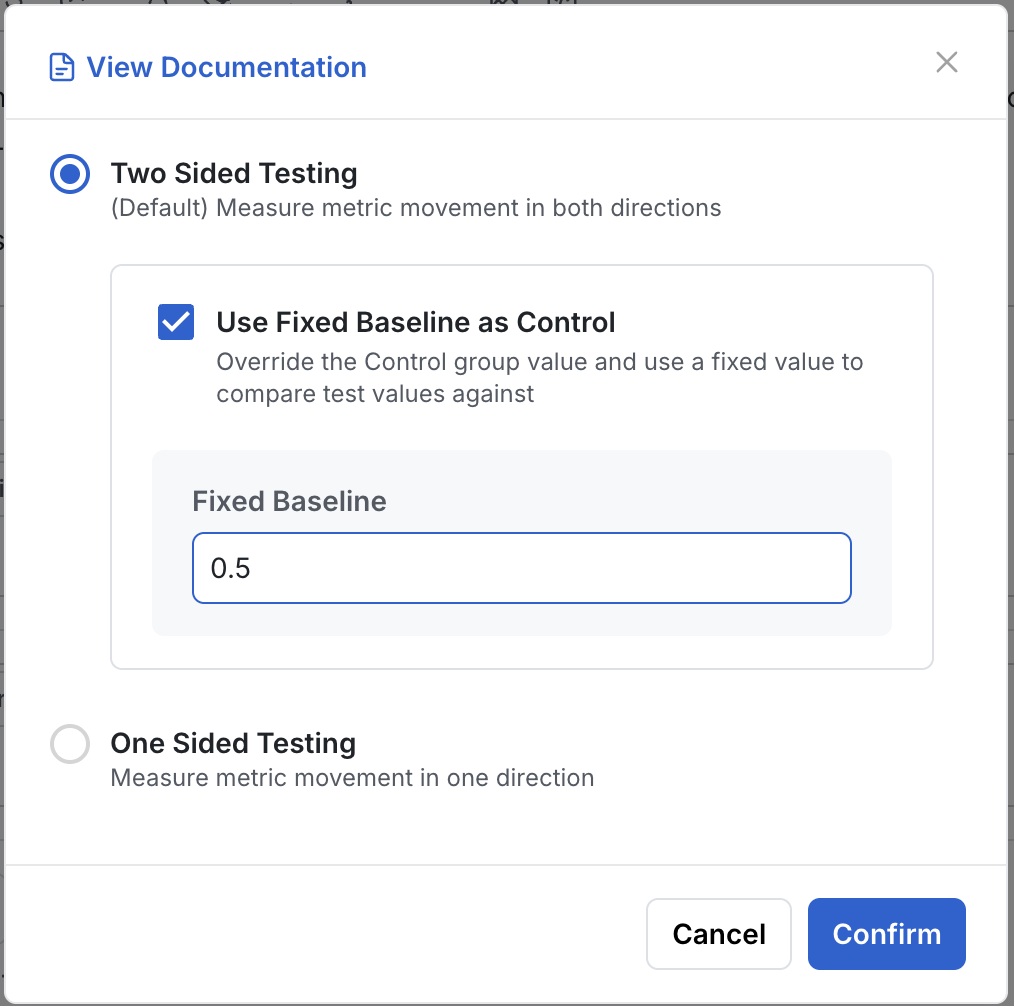
- In the dialog, keep Two Sided Testing selected and select Use Fixed Baseline as Control.
- Enter the value in Fixed Baseline and click Confirm.
A fixed-baseline comparison is always two-sided. Selecting One Sided Testing for the metric removes the fixed baseline.
Fixed baselines aren't available in Bayesian mode. In a Bayesian experiment, clicking a metric doesn't open the test type dialog.
The following screenshots show the metrics section of the experiment setup page, the metric you click, and the fixed baseline dialog.
Was this helpful?
For AI agents: a documentation index is available at /llms.txt. Append .md to any page URL for markdown, or send Accept: text/markdown.