For AI agents: a documentation index is available at /llms.txt. Append .md to any page URL for markdown, or send Accept: text/markdown.
Scheduled Reloads
Configure scheduled reloads in Statsig Warehouse Native to refresh experiment and metric data from your warehouse on a daily or hourly cadence.
How scheduled reloads work
Scheduled reloads refresh the data behind your Metrics and Experiments from your warehouse on a daily cadence. Control these reload settings on each entity, or set project-level defaults that entities inherit from in your Project Settings. You can also use the Console API to trigger experiment result loads. The Console API is useful for triggering refreshes when your data pipelines are ready.
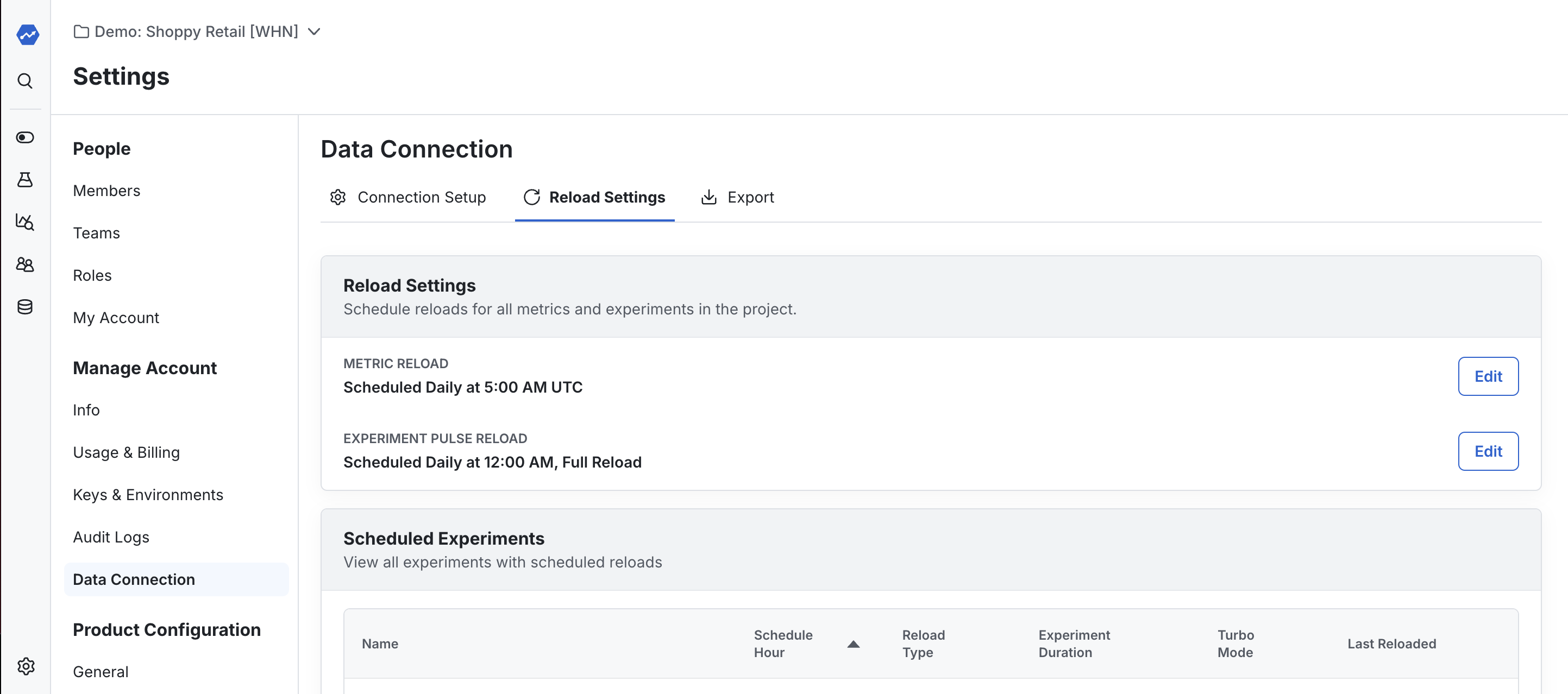
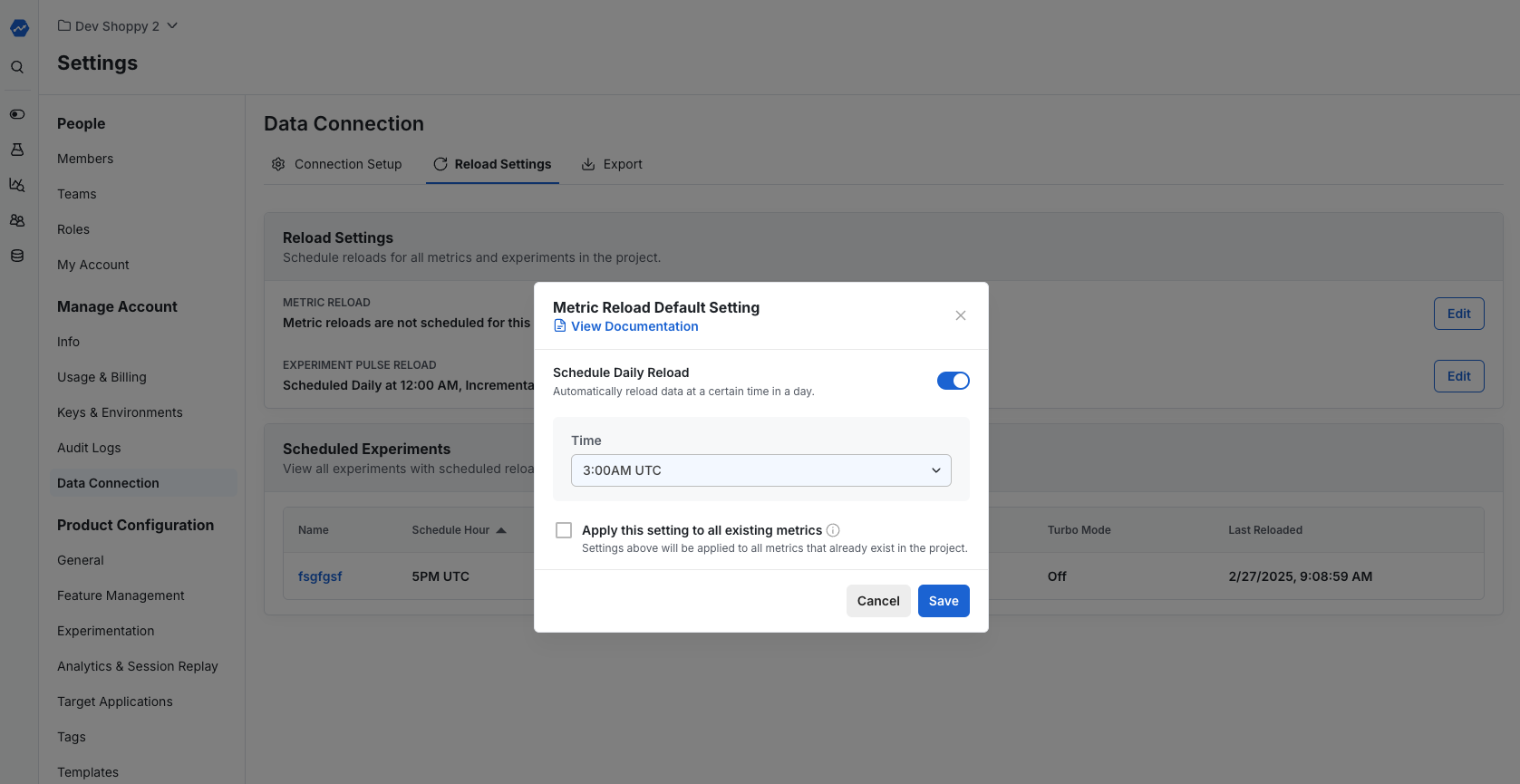
Gate/experiment Pulse scheduling
For feature gates and experiments, you can configure individual Pulse scheduling separately from the project-level settings. Schedule daily Pulse metric reloads for individual feature gates and experiments.
To access this feature:
- Navigate to your feature gate/experiment in the Statsig Console
- Go to the Pulse Results tab
- Use the scheduling controls to configure daily reloads
The scheduling allows you to:
- Set a daily reload time in UTC
- Choose between Full and Incremental reload types
- Save, edit, or cancel scheduled reloads
Individual Pulse scheduling requires gates with partial rollout rules and overrides project-level settings.
Was this helpful?