For AI agents: a documentation index is available at /llms.txt. Append .md to any page URL for markdown, or send Accept: text/markdown.
Bonferroni Correction
How Statsig Warehouse Native applies the Bonferroni correction to adjust p-values when testing multiple metrics or comparisons in an experiment.
What is Bonferroni correction
A Bonferroni Correction is a statistical method that reduces the probability of false positives by adjusting the significance level for multiple comparisons.
If you run a test with α = 0.05, the probability of a false positive is 5%. Running more comparisons at the same significance level increases the chance of at least one false positive, because each comparison is an additional opportunity for a false positive.
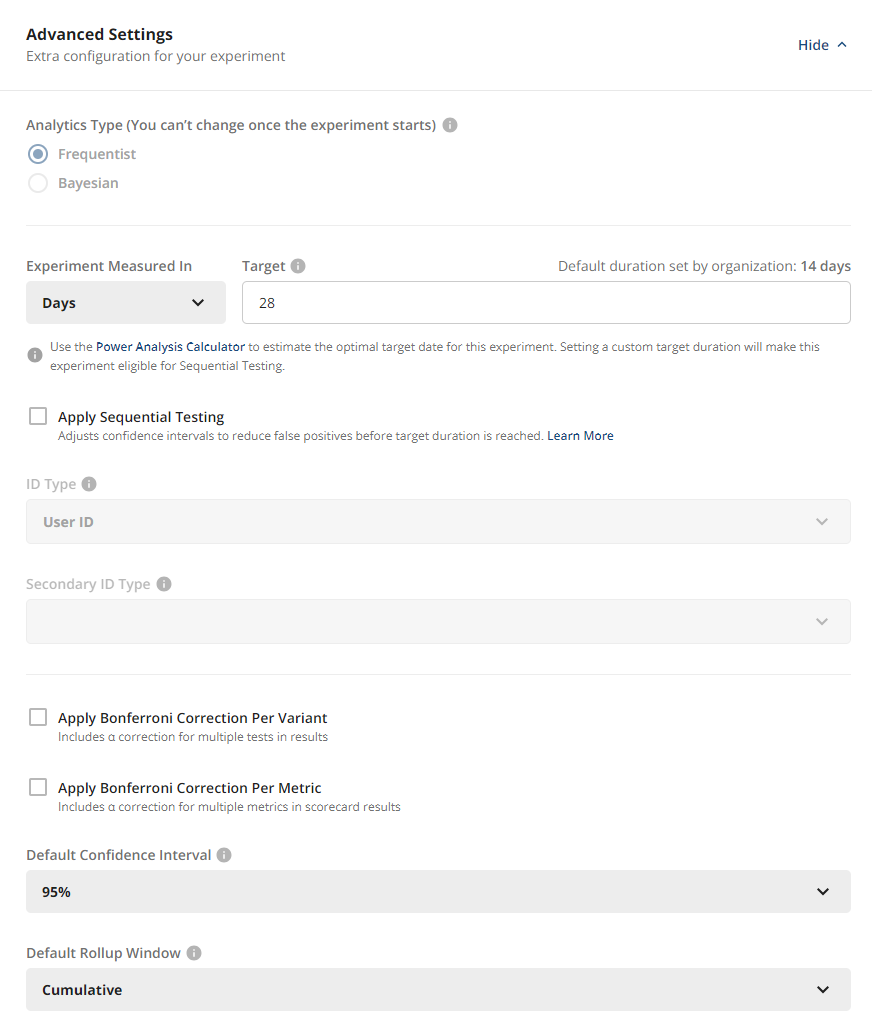
Bonferroni corrections are an optional feature on Statsig experiments that reduce the probability of Type I errors (false positives) by adjusting the significance level (α). Statsig divides the significance level by the number of comparisons it evaluates.
You can choose to apply these based on one or both of the following:
- The number of test groups (multiple treatment hypotheses). Statsig divides the significance level by the number of variants it compares against control.
- The number of metrics in the scorecard. Here you may select what percentage of your total α Statsig divides evenly among the Primary Metrics, and Statsig splits the remaining α equally among Secondary Metrics. For example:
- Significance level of 0.05
- 2 Primary Metrics and 4 Secondary Metrics
- 60% of α applied to Primary Metrics
- Statsig calculates each Primary Metric with α = 0.6 * 0.05 / 2 = 0.015
- Statsig calculates each Secondary Metric with α = 0.4 * 0.05 / 4 = 0.005
- If you select both corrections, Statsig applies them on top of each other. In the example above, to also correct for having 2 test groups, further divide each α by 2.
When analyzing dimensions, if you enable correction for metrics, Statsig applies it separately for the dimensional breakdown. Statsig uses the number of dimensions as the total metric count to correct for in the dimensional analysis, but this doesn't impact topline metrics.
How experiment metrics appear after applying Bonferroni correction
In the experiment scorecard section, Statsig derives confidence intervals from (1 - adjusted α) for applicable metrics. Hovering over a confidence interval displays the adjusted α alongside other relevant metric details.
In the experiment explore section, Statsig calculates a new adjusted α based on your selections, and the confidence intervals use (1 - adjusted α).
Was this helpful?