For AI agents: a documentation index is available at /llms.txt. Append .md to any page URL for markdown, or send Accept: text/markdown.
User Accounting Metrics (DAU/WAU/etc.)
Understand and customize how Statsig calculates standard user engagement metrics like DAU, retention, and stickiness.
DAU (daily active user) definition
Statsig automatically creates a standard set of user accounting metrics to track common product-wide engagement metrics like daily active users (DAU), new users, and retention. Statsig also tracks more sophisticated metrics like L-ness, retention, and stickiness.
All Standard User Accounting Metrics rely on a company-wide definition of a daily active user. By default, Statsig defines a DAU as a user that the Statsig SDK has logged any custom event (log_event) for. You can customize the DAU definition.
Warehouse Native Users
You're viewing a feature designed for Statsig Cloud users. Warehouse Native customers typically have multiple datasets that uniquely affect how they define active users. Refer to Retention metrics in Warehouse Native.
Notation and conventions
- The first day a new user was active is Day Zero (D0), with subsequent days labeled D1, D2, D3, and so on.
- A weekly active user is someone active within the last 7 days (0-6 days), including users active on all 7 days and users active on only a single day. The same definition applies to a monthly active user.
- A user with a single session that spans midnight (with qualifying events at 11:59 PM and 12:01 AM) qualifies as a daily active user on both days.
- Statsig reserves the right to limit tracking to 100M unique IDs per unit type per year.
Default user accounting metrics in Statsig
General user metrics
| Metric Name | Type | Description |
|---|---|---|
daily_active_user | Count | Users who were active on a given calendar day (DAU). |
weekly_active_user | Count | Users who were active at least once in the past 7 days (WAU). |
monthly_active_user | Count | Users who were active at least once in the past 28 days (MAU). |
new_dau | Count | Users who became active for the first time on a specific day. |
new_wau | Count | Users who became active for the first time within the last 7 days. |
new_mau_28d | Count | Users who became active for the first time within the last 28 days. |
daily_user_stickiness | Stickiness (Rolling) | Fraction of the prior day's users who are active on the next day. Rolling day-to-day repeat engagement (not DAU/MAU or DAU/WAU). |
weekly_user_stickiness | Stickiness (Rolling) | Fraction of the previous week's users who have been active within the last 7 days. This metric tracks rolling week-over-week repeat engagement (not WAU/MAU). Statsig defines the previous week as 8-14 days before the metric date. |
monthly_user_stickiness | Stickiness (Rolling) | Fraction of the previous month's users who have been active within the last 28 days. This metric tracks rolling month-over-month repeat engagement (not DAU/MAU). Statsig defines the previous month as 29-56 days before the metric date. |
d1_retention_rate | Retention (Rolling) | % of new users from 1 day ago who were active at least once today. Rolling Day 2 window retention. |
WAU @ D14 Retention Rate | Retention (Rolling) | % of new users from 13 days ago who were active at least once in days 8–14. Rolling Week 2 window retention. |
MAU @ D56 Retention Rate | Retention (Rolling) | % of new users from 56 days ago who were active at least once during days 29–56. Rolling Month 2 retention. |
L7 | L-ness | Average number of days a user was active in the last 7 days (value range: 0–7). |
L14 | L-ness | Average number of days a user was active in the last 14 days (value range: 0–14). |
L28 | L-ness | Average number of days a user was active in the last 28 days (value range: 0–28). |
These user metrics are useful for understanding long-term user behavior. However, several of these metrics don't behave well as daily experimentation metrics, because metrics like L7 are highly correlated across days. For example, a user with L7 = 7 on a given day has either L7 = 6 or L7 = 7 the following day, which means L7 isn't a true daily independent variable. Such metrics are more likely to trigger false positive and false negative results. This limitation applies generally to stickiness and L-ness metrics.
Customizing the DAU definition
You can customize the DAU definition in the Statsig Console by specifying or excluding a set of Statsig and custom events. Find this setting in Project Settings. You need the required privileges to edit this setting.
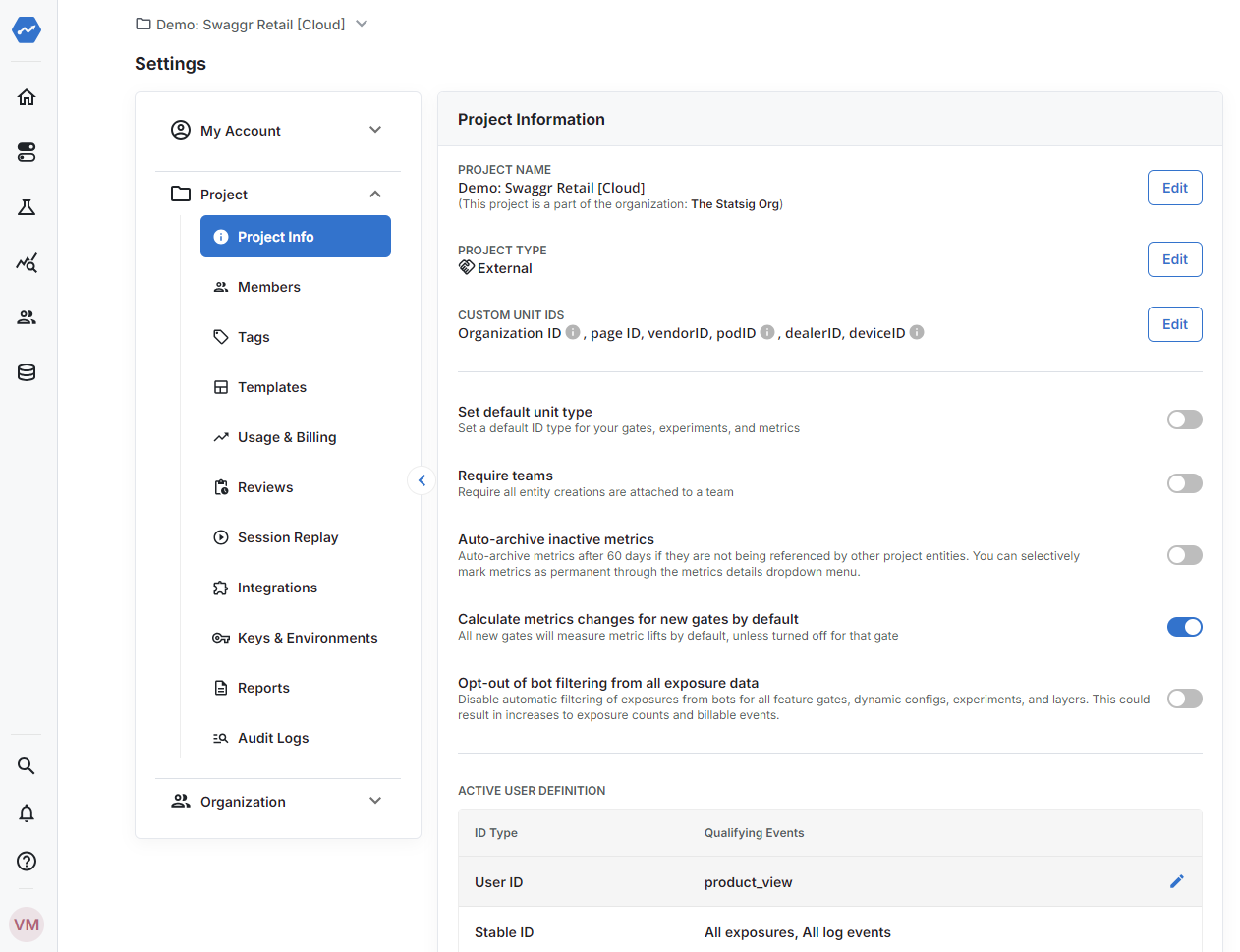
By default, all events qualify a user as active. There are two ways to customize this:
- Excluding specific events: Some companies exclude specific events that aren't significant user interactions (for example,
homepage_visitornotification_sent). Expand the event list and uncheck events you don't want to include. You can also toggle whether to include or exclude future events (not shown in the list). - Including specific events: Some companies use a narrow definition of an active user (for example, event =
login). Select the set of events and turn off Include New Events by Default.
Changes to the DAU definition take effect on the date of the change. Historical data remains unchanged. Statsig doesn't support backfill. Set your DAU definition before running any experiments or rolling out any features.
Was this helpful?