For AI agents: a documentation index is available at /llms.txt. Append .md to any page URL for markdown, or send Accept: text/markdown.
Metric Directionality
Configure whether increases or decreases in metric values should be considered positive or negative in experiments.
Setting metric directionality
By default, Statsig assumes increases to a metric value are good and displays them in green in experiment results. For many metrics, a decrease is the wanted outcome: for example, page load times and most performance metrics.
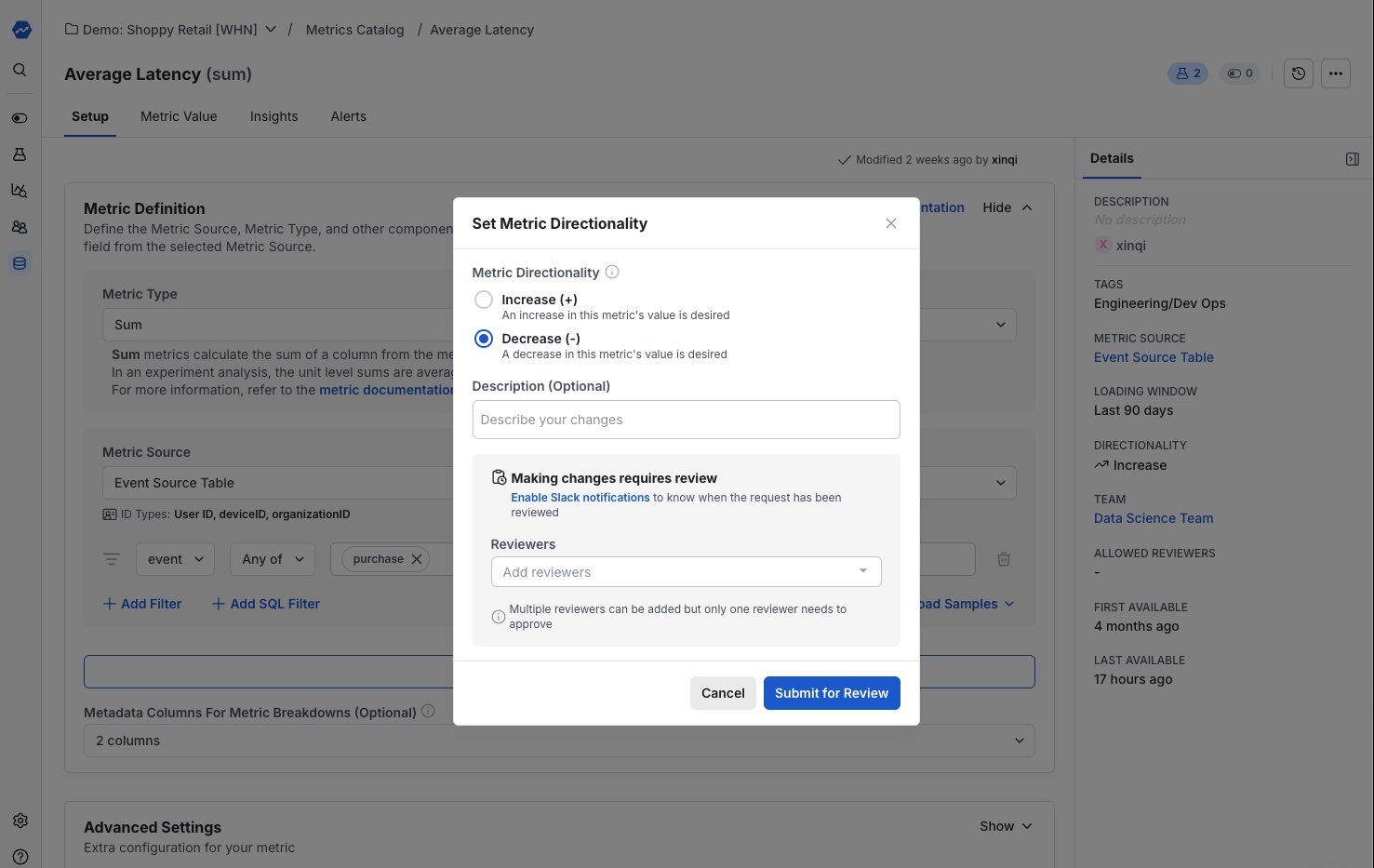
For these metrics, you can set the direction you want the metric to move, and experiment results update color-coding in metric lifts accordingly. To configure directionality, go to any metric detail view page. Select the Edit Pencil next to the Directionality section in the right rail to open the Set Metric Directionality option.
Was this helpful?