For AI agents: a documentation index is available at /llms.txt. Append .md to any page URL for markdown, or send Accept: text/markdown.
Custom DAU Metric Creation Guide
Step-by-step guide to create custom Daily Active User (DAU) metrics tailored to your specific business needs.
Custom DAU metric creation guide
A custom DAU metric counts the unique users who trigger a specific event each day, such as Add to Cart. Create one in the Metrics Catalog as a Unit Count metric when you want daily-active-user tracking for an event Statsig doesn't generate automatically.
Step 1: Navigate to the metrics catalog
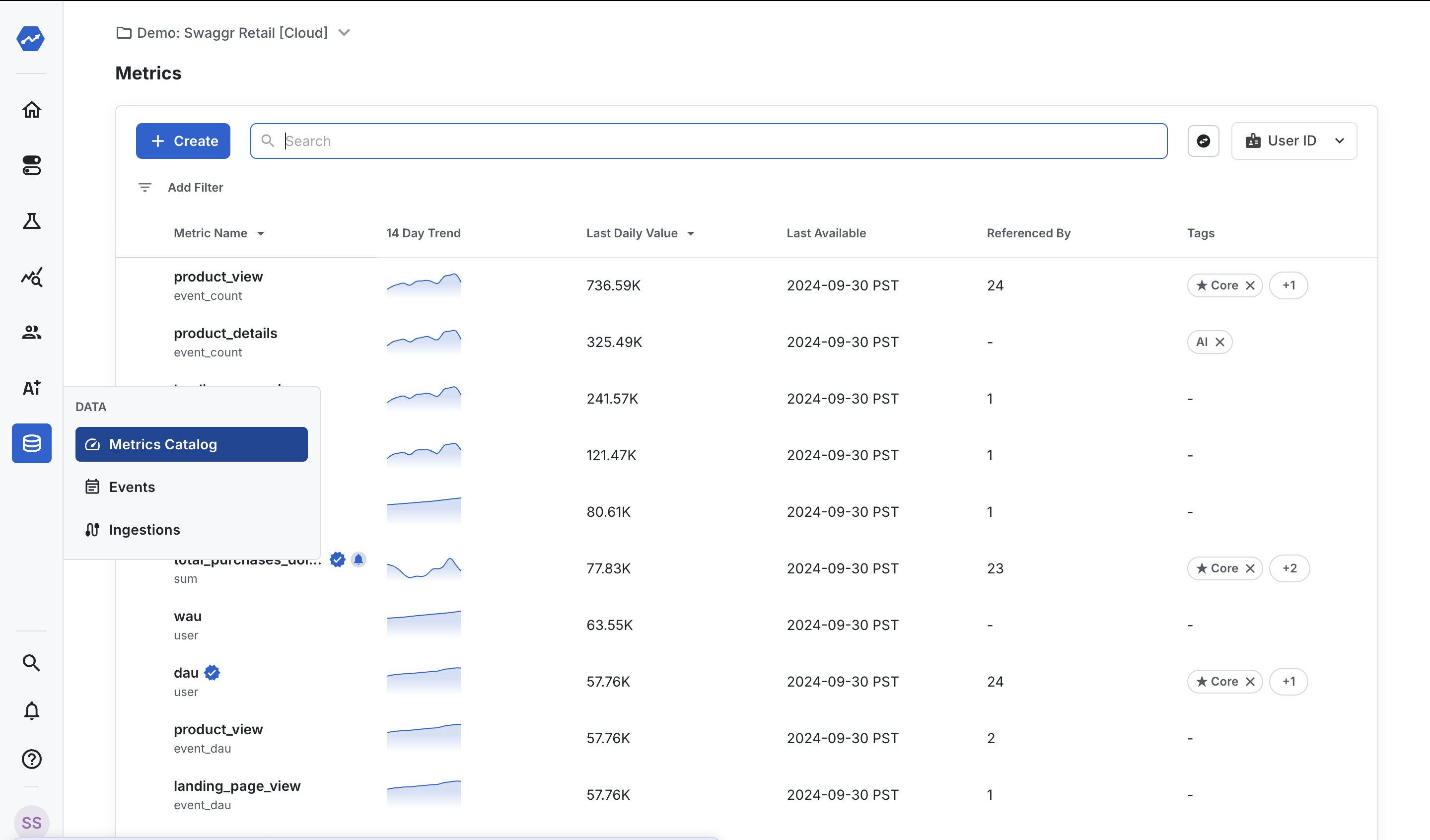
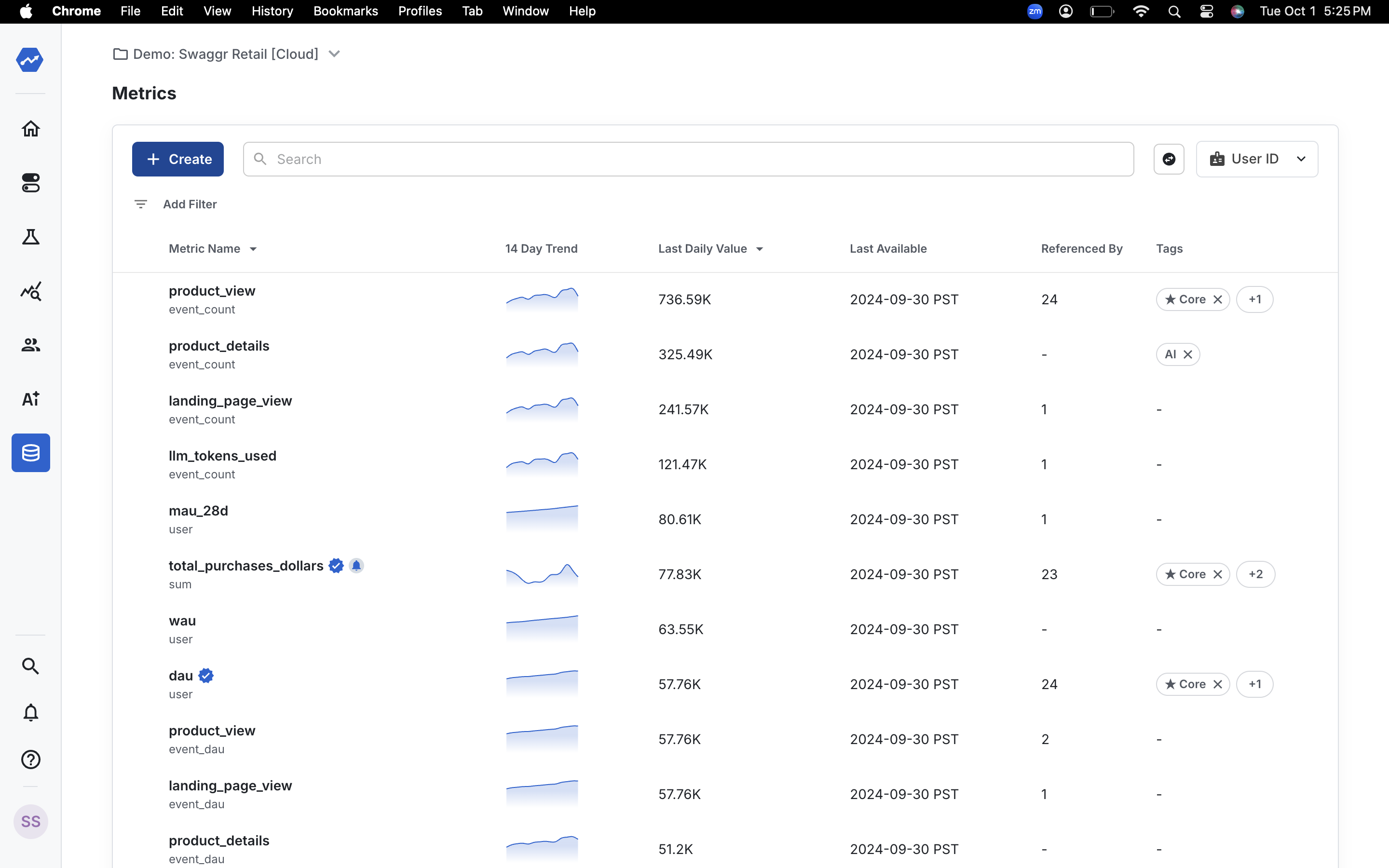
Go to the Metrics Catalog in the left navigation bar and select Create.
Step 2: Name your metric
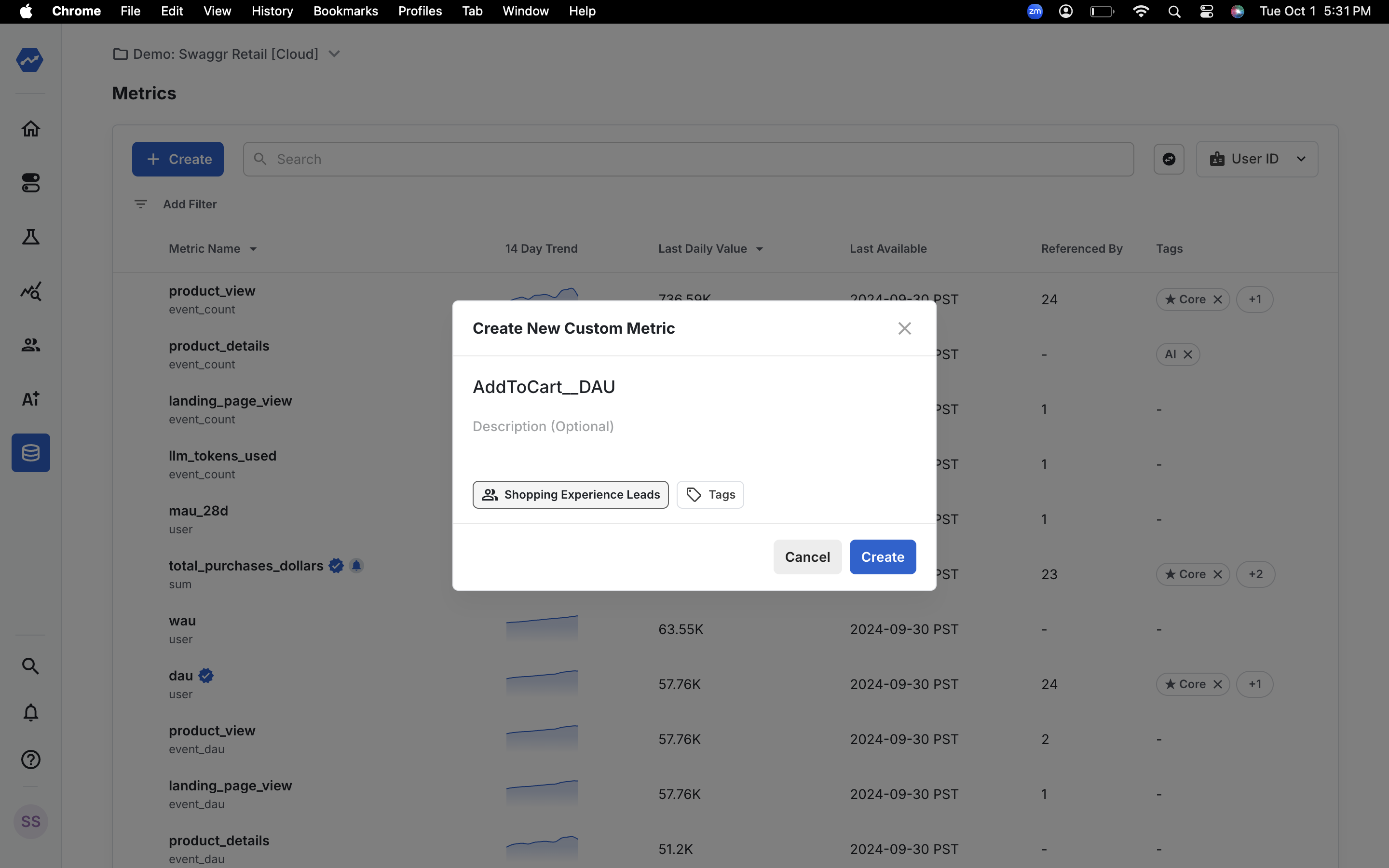
Enter a name for your metric. For example: "Add to Cart DAU".
Step 3: Choose the metric type
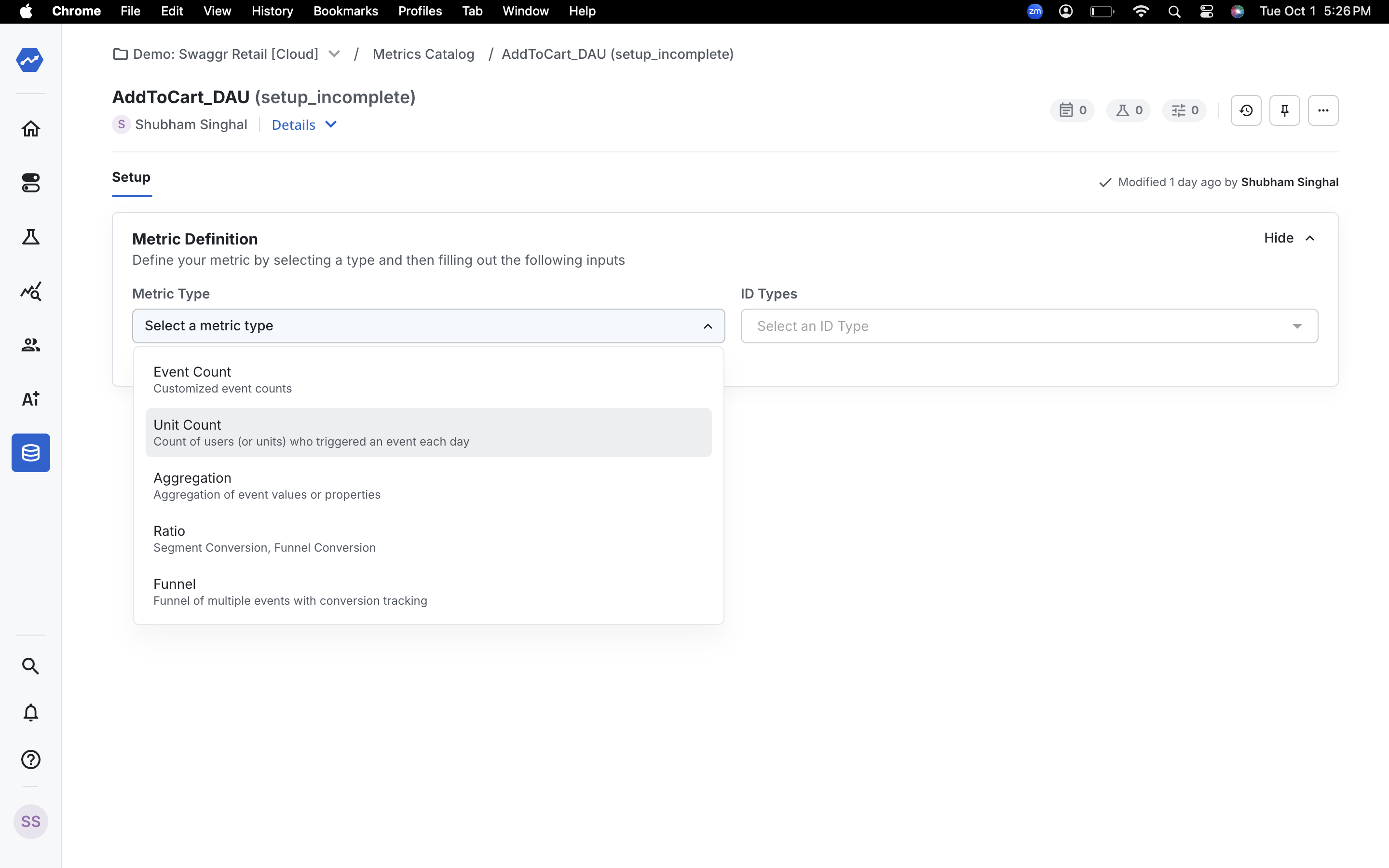
To create a DAU metric, select Unit Count as the metric type.
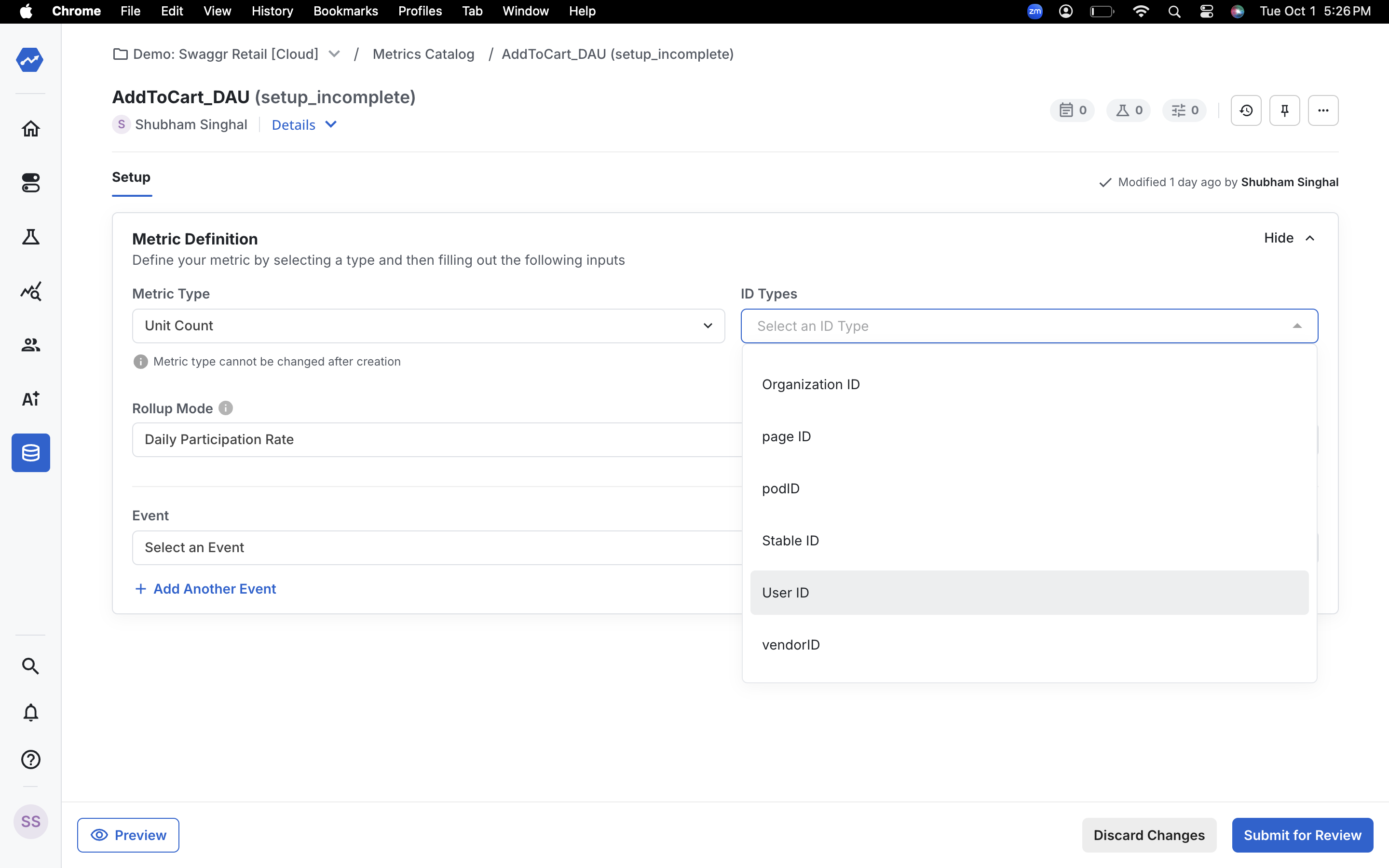
Step 4: Select the ID type
Select the ID type to count. For example, select User ID, which is the most common ID type for DAU metrics.
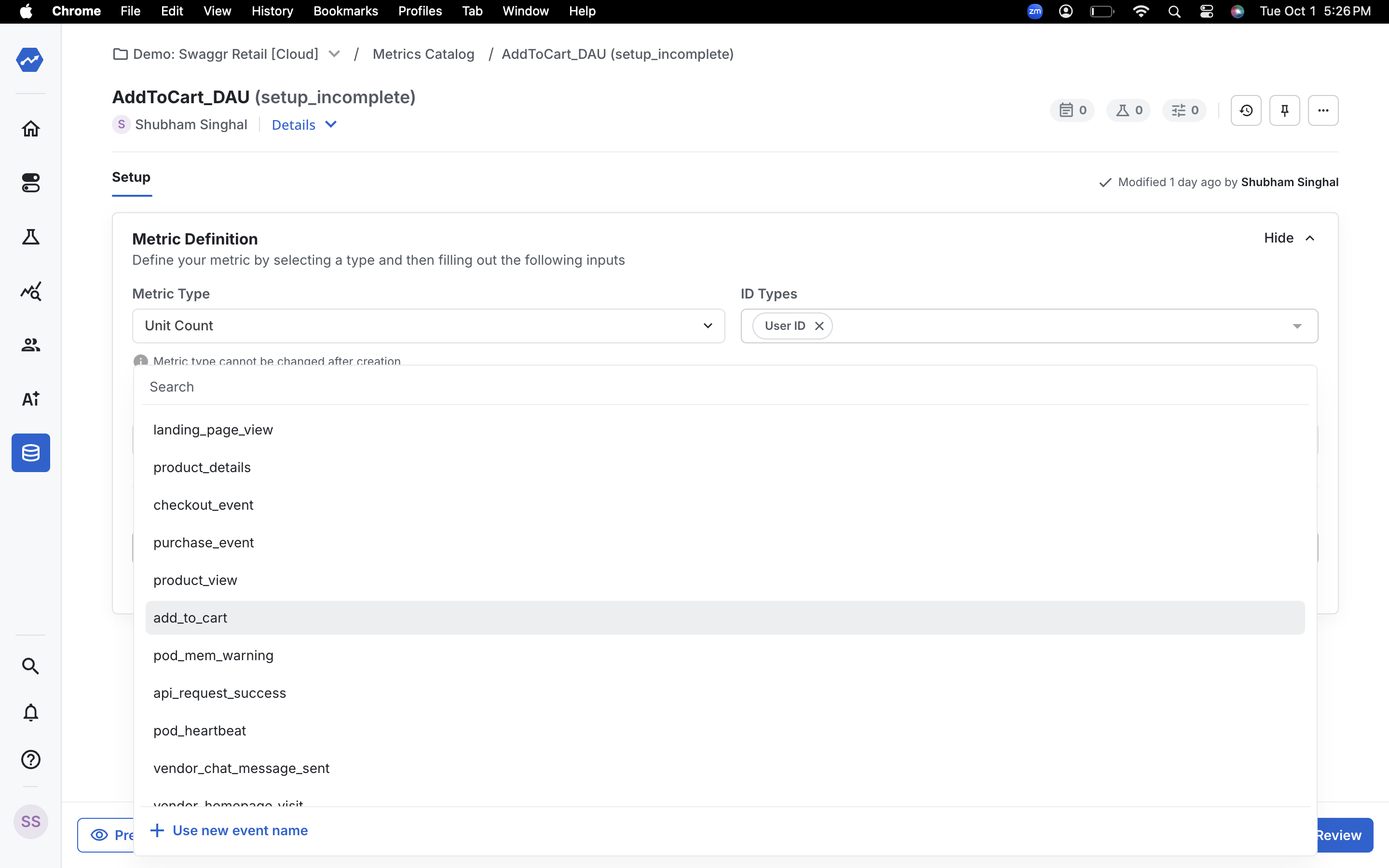
Step 5: Choose the event
Select the event to use for your metric. For example, select the Add to Cart event.
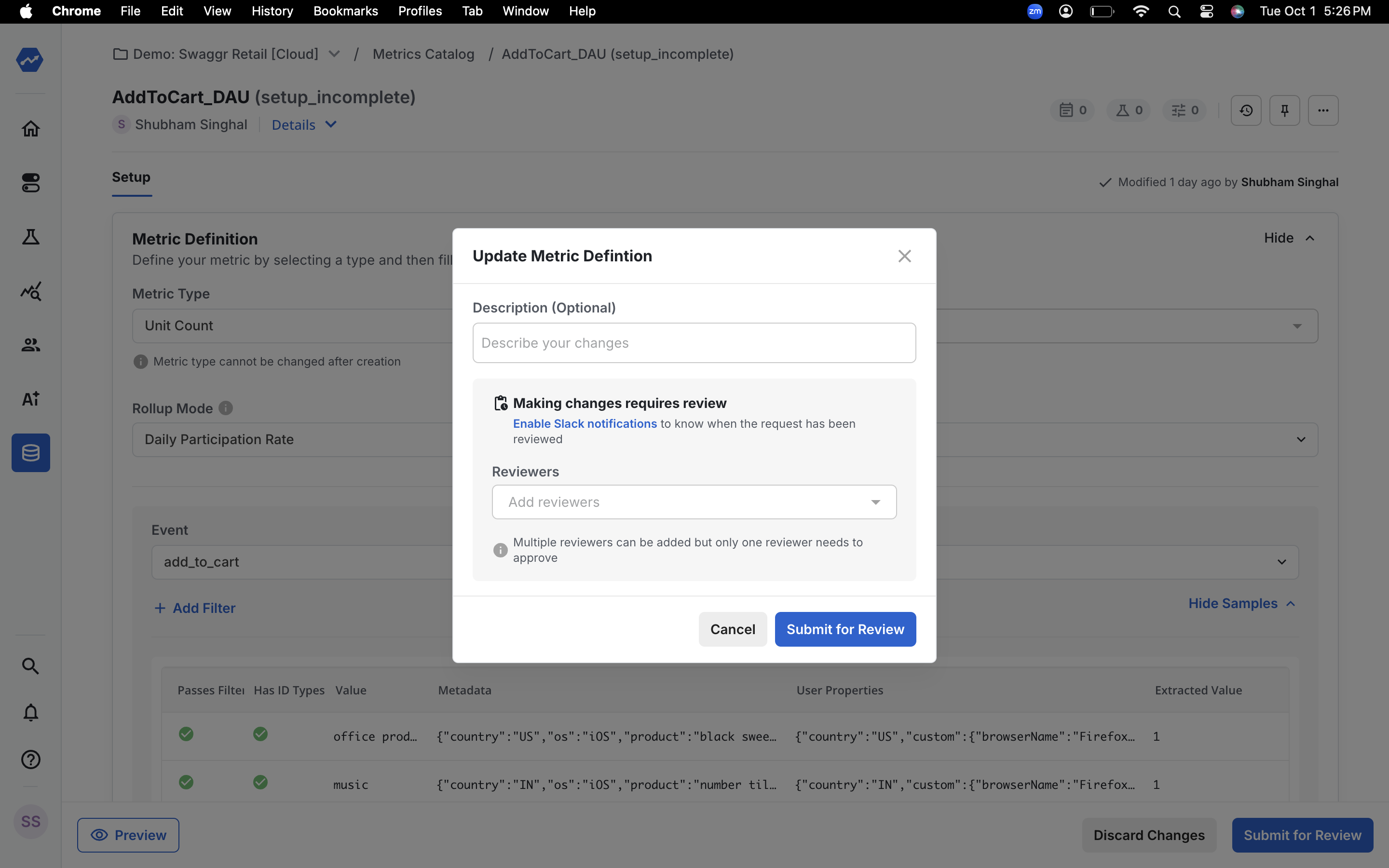
Step 6: Submit the metric
Submit the metric. Statsig now creates your custom DAU metric.
Was this helpful?