For AI agents: a documentation index is available at /llms.txt. Append .md to any page URL for markdown, or send Accept: text/markdown.
RevenueCat
Connect RevenueCat with Statsig to send mobile subscription events to Statsig for revenue experiment analysis and lifecycle metric tracking.
This integration supports ingestion only for Statsig Cloud. For Warehouse Native, create a metrics source that references this data in your warehouse.
How the RevenueCat integration works
Enabling the RevenueCat integration allows Statsig to pull billing, subscription, and revenue metrics into your Statsig projects. This integration lets you optimize purchases and revenue using Statsig's feature gates or experimentation tools without any additional logging.
Statsig integrates with RevenueCat through a webhook and receives data as described in the RevenueCat documentation.
Configuring incoming metrics
Copy your Statsig Server Secret Key from the API Keys tab in the Statsig console.
Navigate to your app in the RevenueCat dashboard and choose Statsig from the Integrations menu.
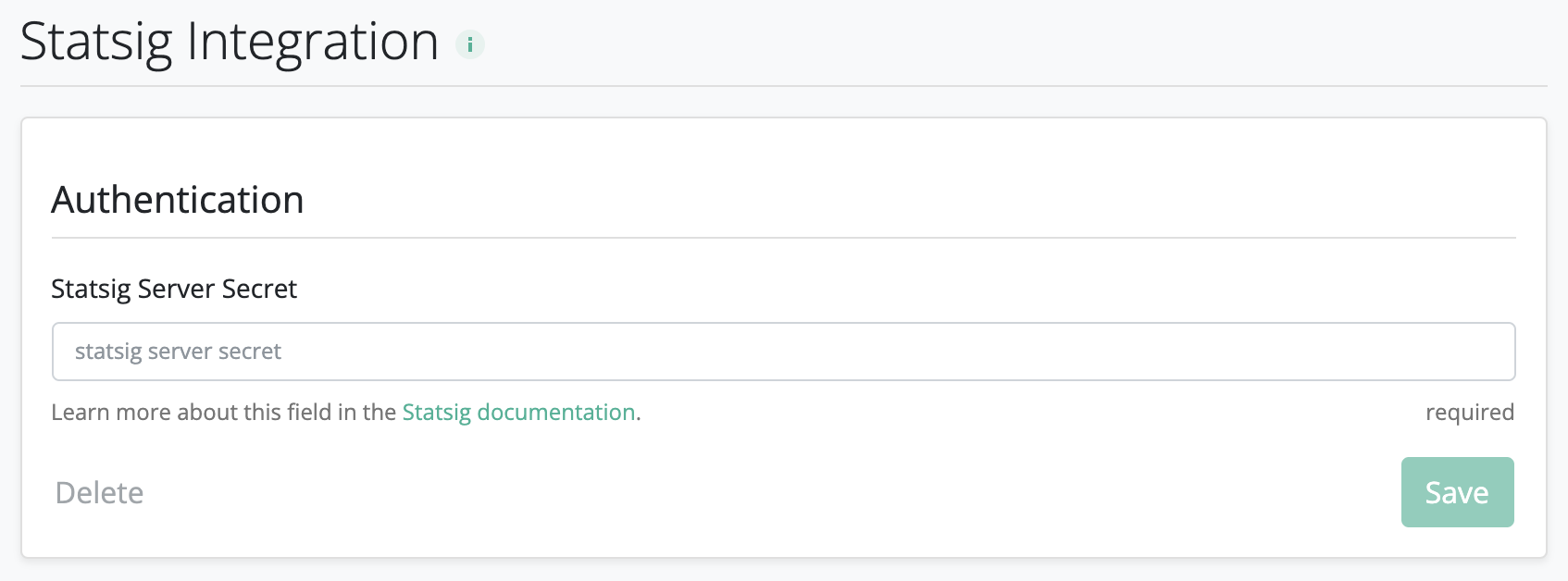
Enter your Statsig Server Secret and click Save.
On the Statsig Integrations page, enable the RevenueCat integration.
If you're running an experiment with the user as your unit type, you must set the RevenueCat appUserID to match the userID that you log with the Statsig SDK. For example, set the appUserID when you expose the user to a Statsig feature gate or experiment. Refer to how to set the appUserID on RevenueCat.
By default, Statsig doesn't ingest Sandbox events from RevenueCat, to reduce noise from test events. You can explicitly enable ingestion of Sandbox events using the Statsig Integrations page while debugging.
Was this helpful?