For AI agents: a documentation index is available at /llms.txt. Append .md to any page URL for markdown, or send Accept: text/markdown.
Config History
View and audit configuration history in Statsig for feature gates, experiments, dynamic configs, and metrics, including who changed what and when.
Entity change history
Config history records each change to a Statsig entity, such as Feature Gates, Experiments, Dynamic Configs, and Segments, along with when it was published. To open the change history for an entity, click the "History" button at the top right of its page.
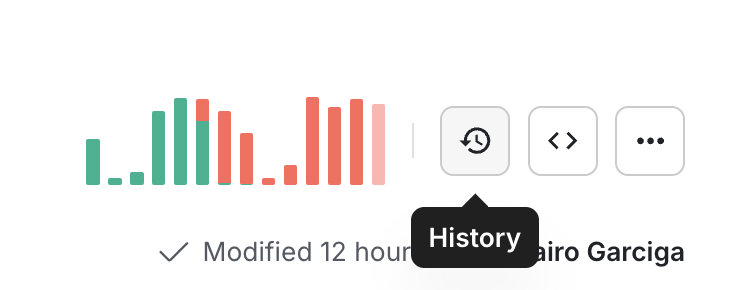
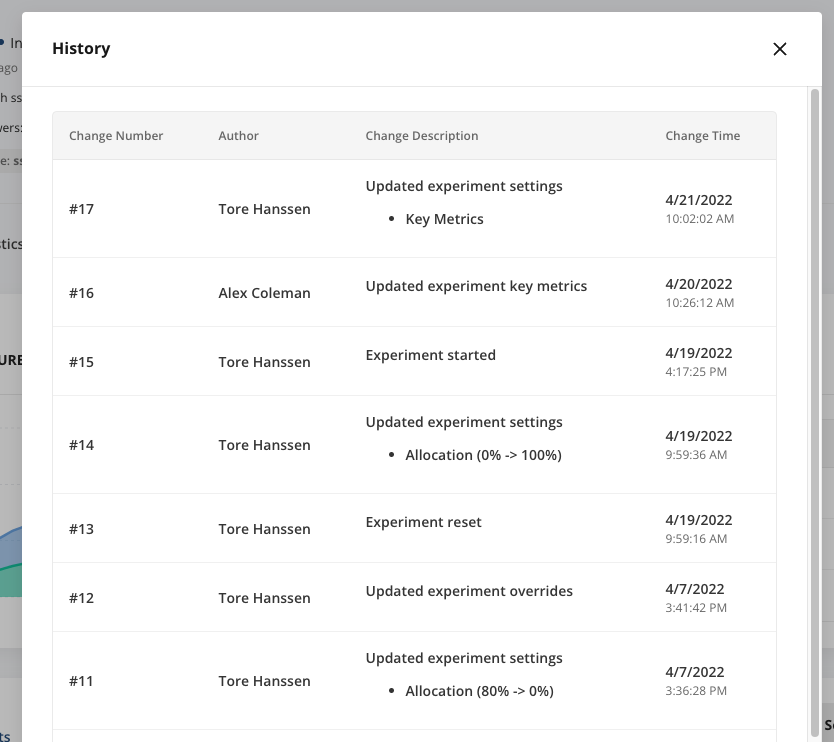
The history page shows each change to a given config and its publication time.
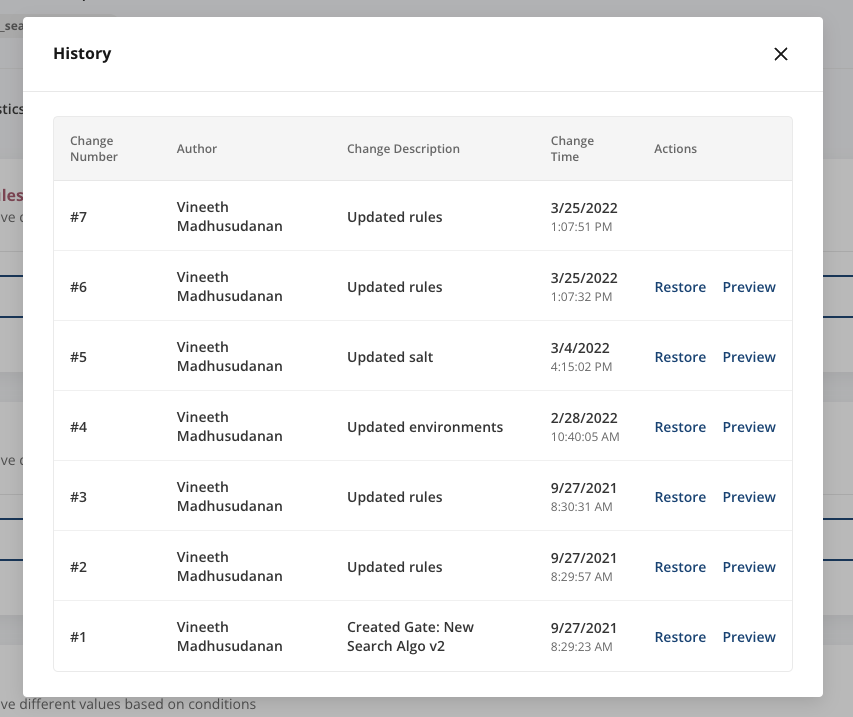
For Feature Gates and Dynamic Configs, there is also a "Preview" and "Restore" option. These make it easy to revert to a previous state, particularly if a rollout causes issues in production. The "Preview" action shows a diff view between the current state and the selected previous state, so you can confirm you're reverting to the correct state.
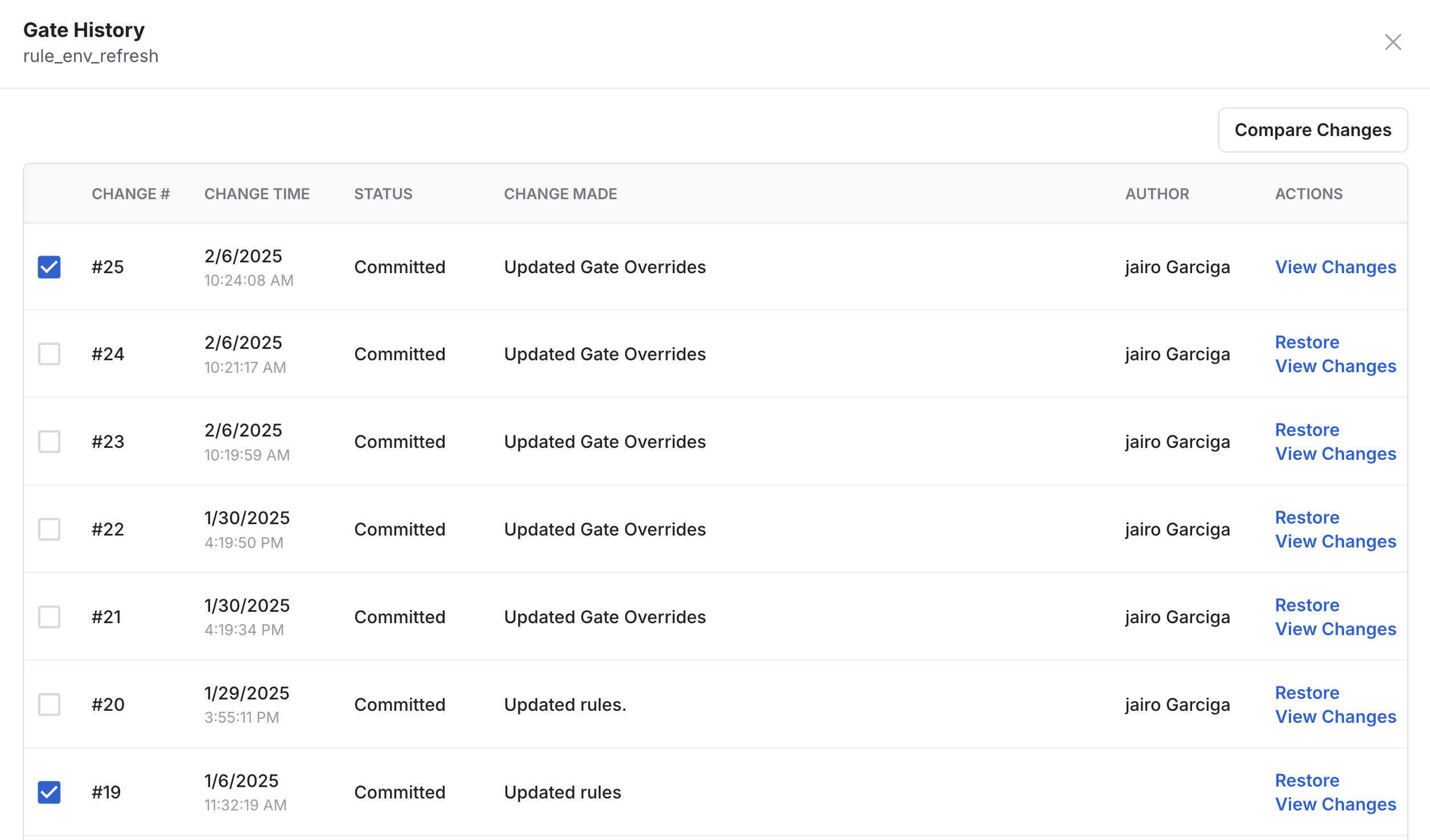
For Gates, Dynamic Configs, and Segments, you can also select two versions and compare the differences between the entity's states in each version.
Statsig doesn't list changes in nested configs. For example, if this gate references another gate or segment through a "Passes Target Gate" or "User in Segment" condition, changes to the other gate or segment don't appear in the history view.
Audit logs
Audit logs show the change history for all available entities across the entire project. Statsig stores audit logs indefinitely. You can filter by entity type, name, tag, target app, environment, action, and the user who triggered the action. You can access audit logs programmatically or through the Statsig Console UI at Settings > Audit Logs.
Was this helpful?