For AI agents: a documentation index is available at /llms.txt. Append .md to any page URL for markdown, or send Accept: text/markdown.
Mixpanel
Connect Mixpanel with Statsig to send Mixpanel events to Statsig for experiment analysis and to keep product analytics consistent across both tools.
How the Mixpanel integration works
The Mixpanel integration has two functions.
- Incoming: Statsig can sync your Mixpanel user cohorts with a Statsig ID list segment.
- Outgoing: Statsig can forward Statsig events to Mixpanel.
Cohort syncing
This integration supports ingestion only for Statsig Cloud. For Warehouse Native, create a metrics source that references this data in your warehouse.
Statsig can ingest user information through Mixpanel Cohort Syncing.
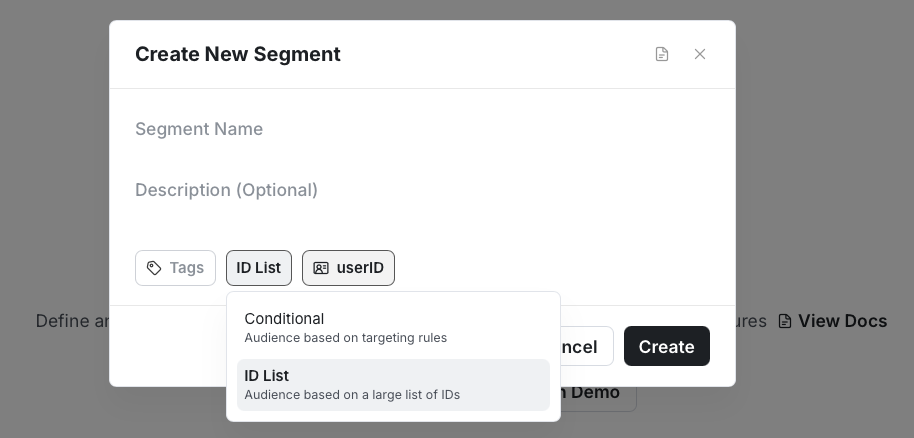
- On Statsig, navigate to Segments on the left navigation menu and create a segment.
- Name: Must match the name of your Mixpanel cohort.
- Type of segment: Should be ID List.
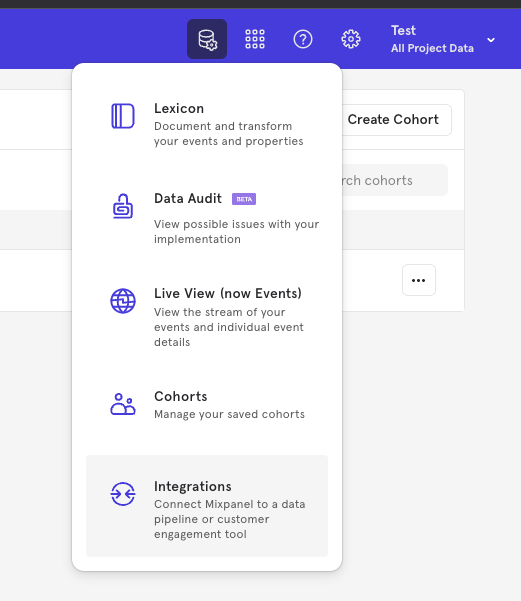
- On Mixpanel, click on the Data Management navbar item and choose Integrations from the dropdown.
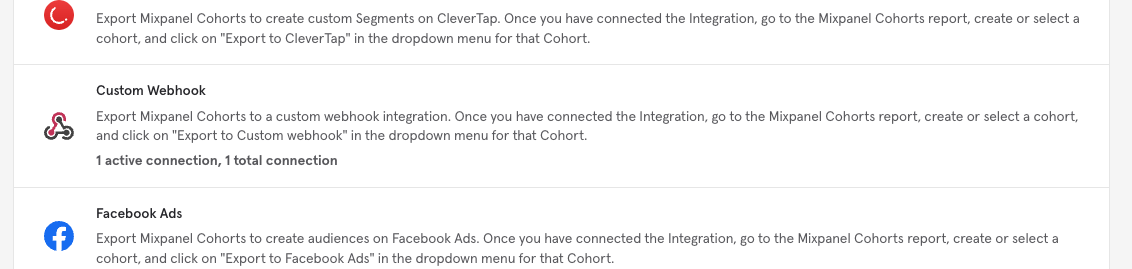
- In the list of integrations, scroll until you find Custom Webhook and then select it.
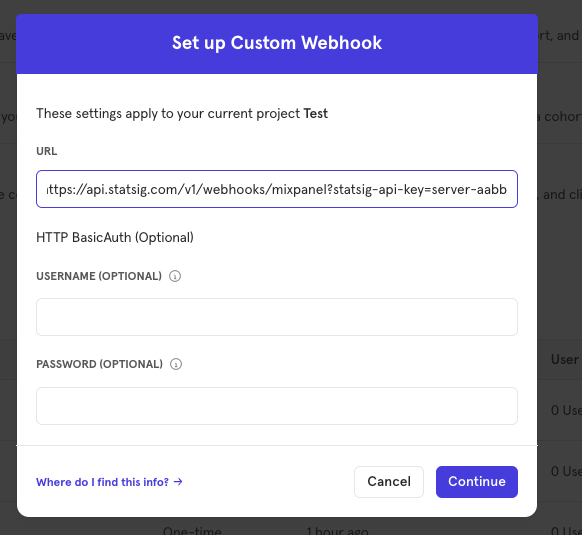
- In the dialog that appears, paste the url below, substituting the SERVER_SECRET_KEY with a "Server Secret Key" found in Project Settings, then click Continue.
https://api.statsig.com/v1/webhooks/mixpanel?statsig-api-key=SERVER_SECRET_KEY
Click "Enable" (or "Confirm" if you're updating the integration).
You can now start a cohort sync job on Mixpanel from the Cohorts page.
Configuring outbound events
To export your Statsig events to Mixpanel:
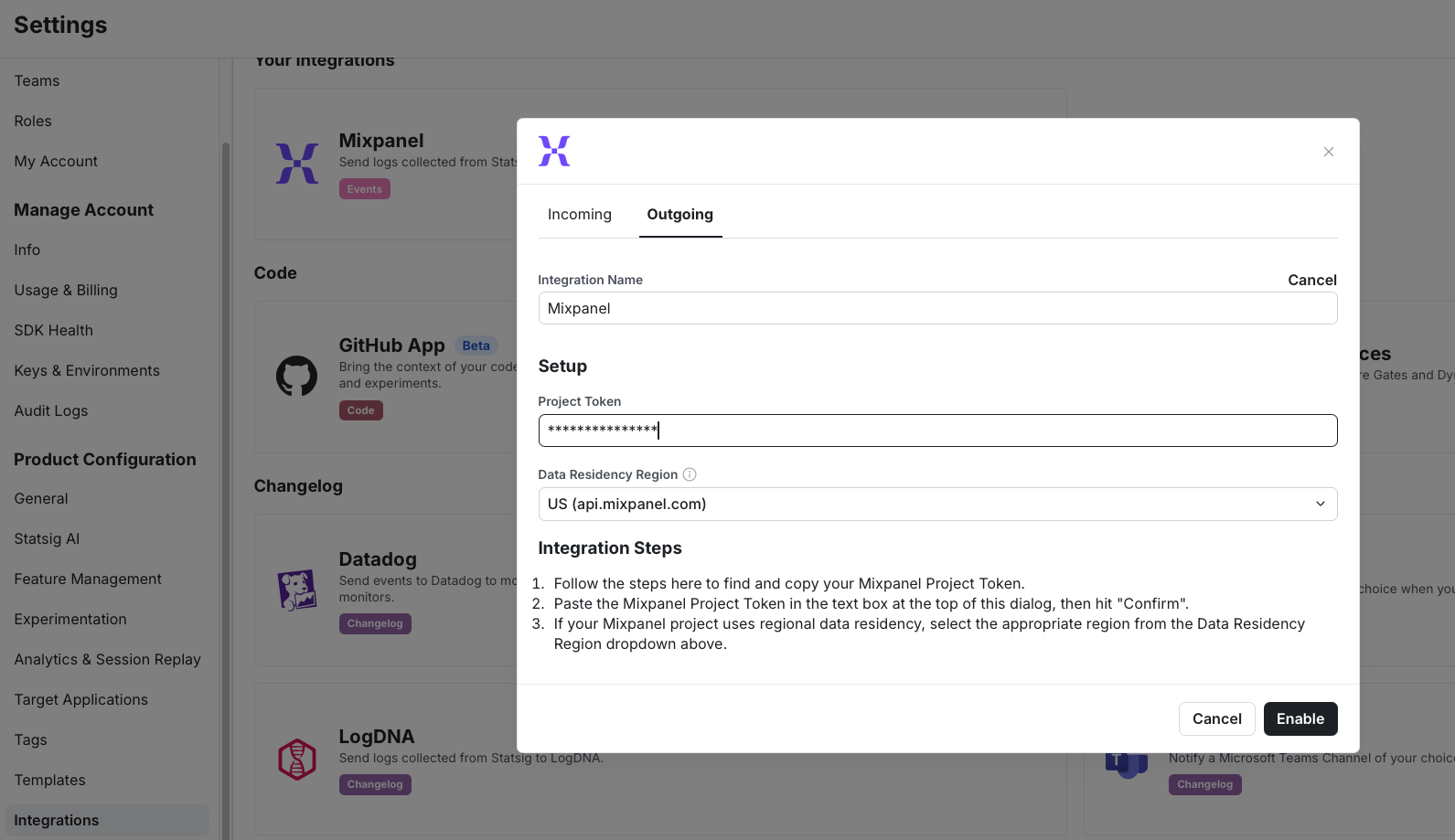
Get a copy of your "Project Token" from Mixpanel by following this guide.
Paste your project token into the Outgoing configuration on the Statsig integration panel.
Select your Data Residency Region based on your Mixpanel project's data residency configuration:
- US (default): Statsig sends events to the global
api.mixpanel.comendpoint - EU: For projects using EU data residency
- India: For projects using India data residency
- US (default): Statsig sends events to the global
Click "Enable" (or "Confirm" if you're updating the integration).
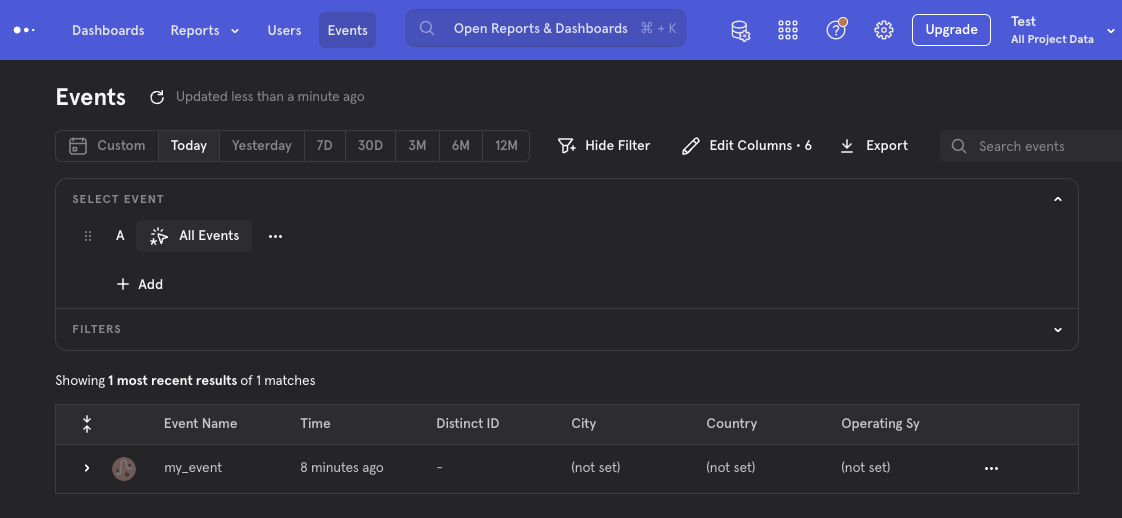
Verify Statsig is forwarding your events by visiting the Events tab on Mixpanel.
Filtering events
You can customize which events Statsig sends to Mixpanel using Event Filtering.
Was this helpful?