For AI agents: a documentation index is available at /llms.txt. Append .md to any page URL for markdown, or send Accept: text/markdown.
Setting up Reviews for Team Workflows
Set up review workflows in Statsig to require approvals for feature gate, experiment, autotunes, segments, and dynamic config changes before they reach production users.
Reviews require approval before changes to feature gates, dynamic configs, autotunes, segments, and experiments reach production. As a Project Admin, you turn on reviews for a project, then add reviewers or teams who approve or reject each submitted change.
Turning on change reviews for a project
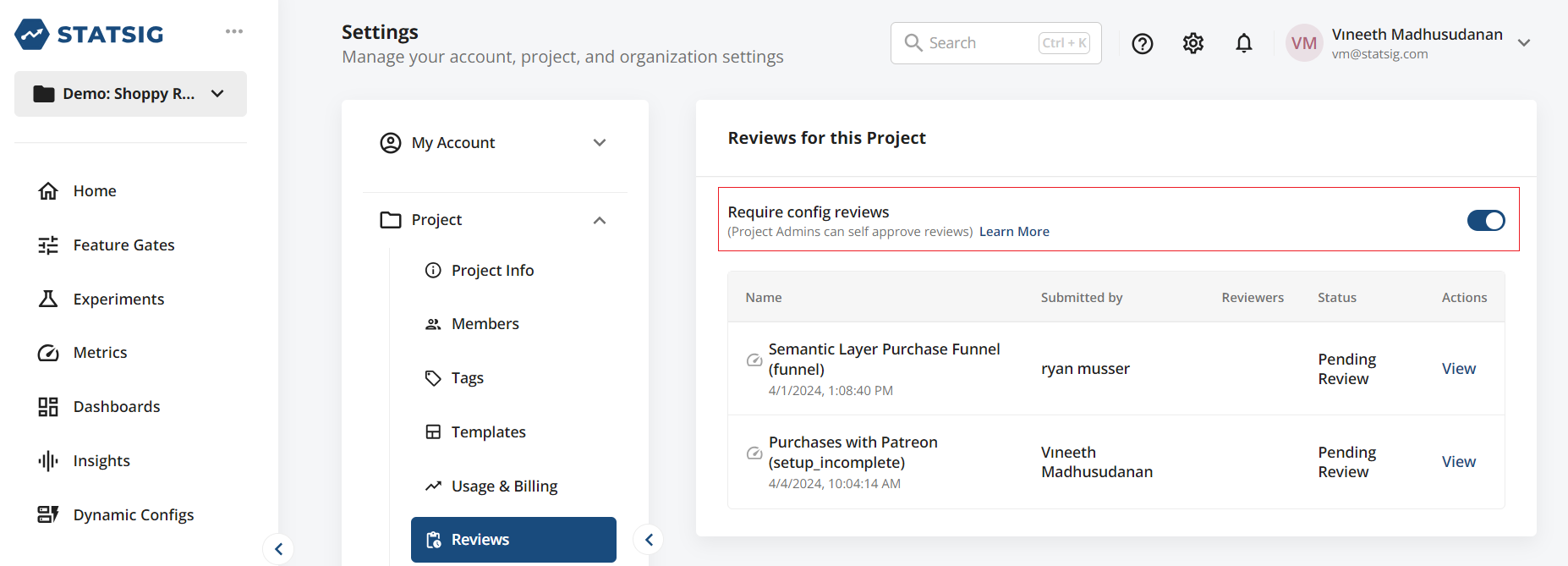
As a Project Admin, you can configure your project to require reviews for any changes. To enable reviews for your project, navigate to the Project Settings page, switch to the Reviews tab, then toggle the review requirement on.
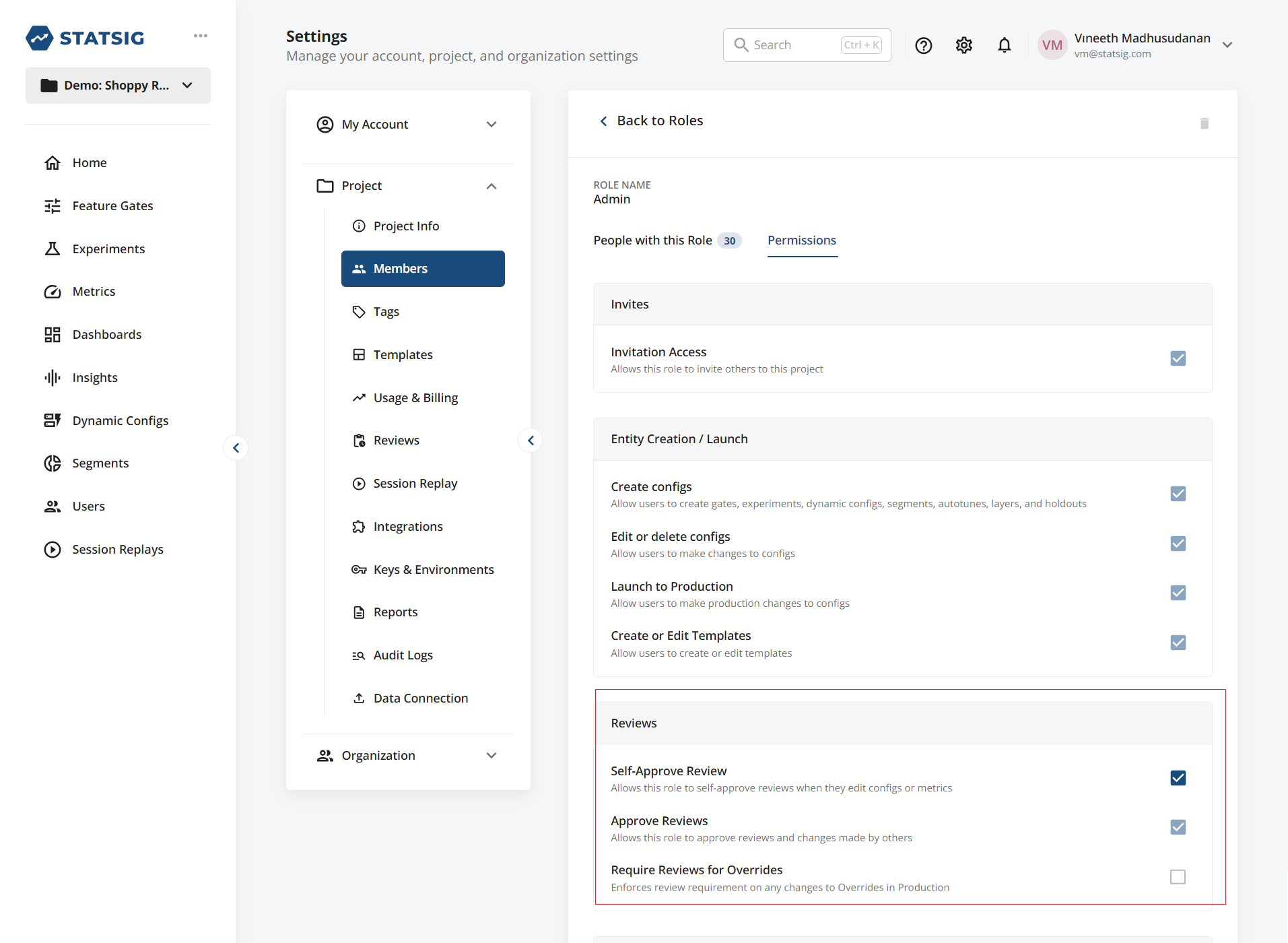
- You can optionally allow different roles to bypass the review requirement and self-approve review requests by customizing the permissions available to user roles:
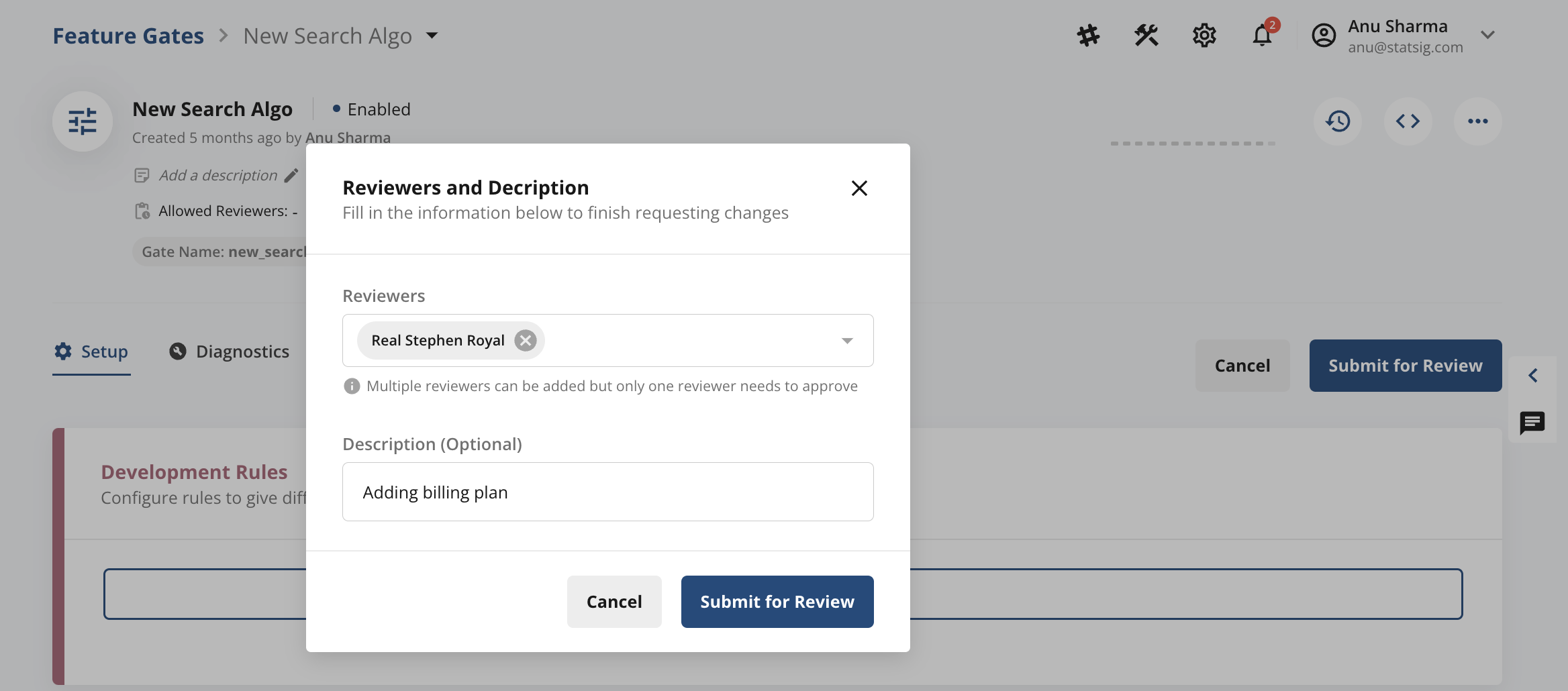
- When you make any configuration changes to a feature gate or experiment or autotunes, the console prompts you to Submit for Review. You can add reviewers when you submit the change.
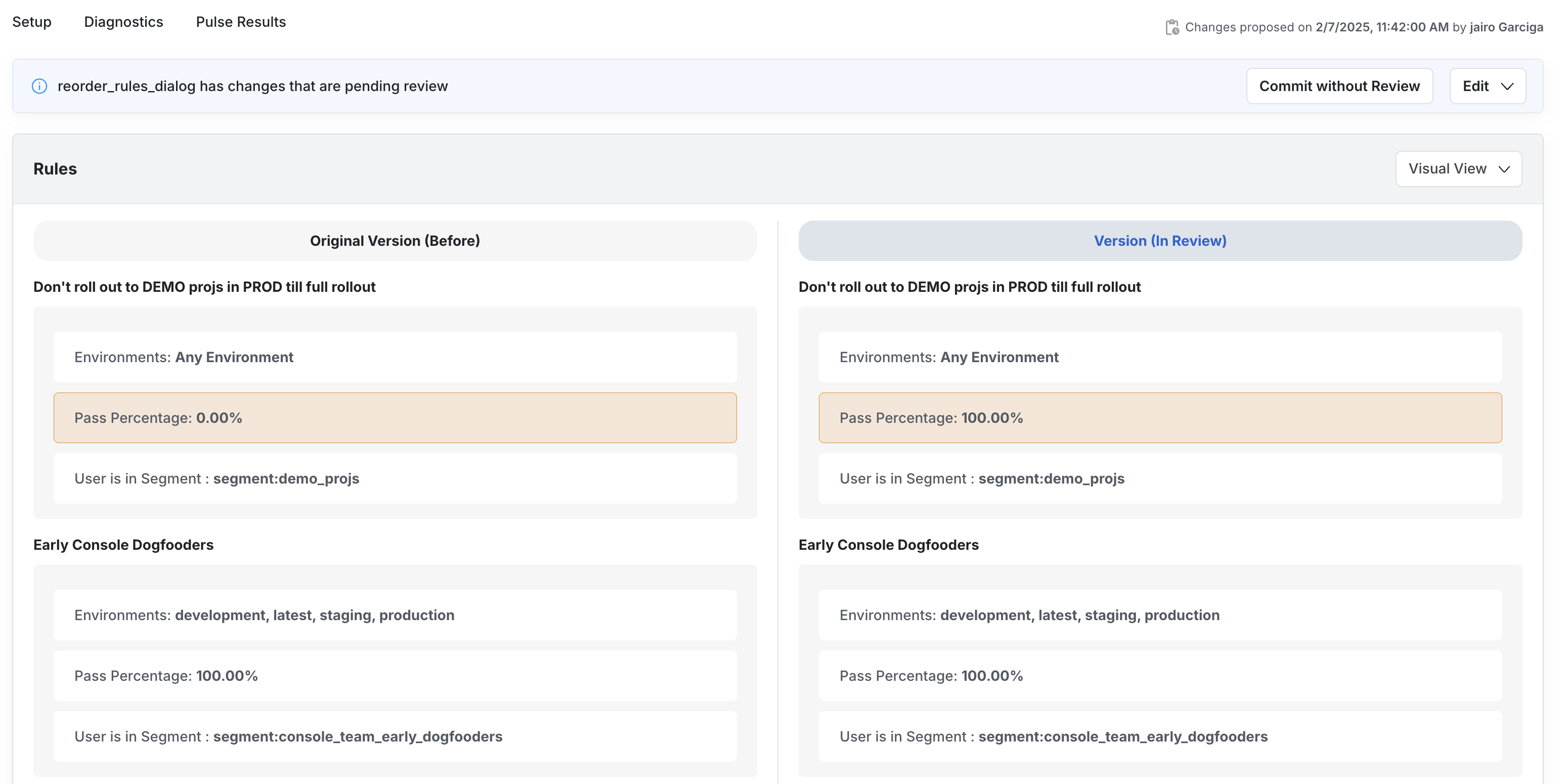
- Reviewers see a notification on the Statsig console. When they select View Proposed Changes, they see a diff of the current version in production and the new version. Reviewers can then Approve or Reject the submitted changes.

Teams
To create a predefined group of reviewers, you can create Teams.
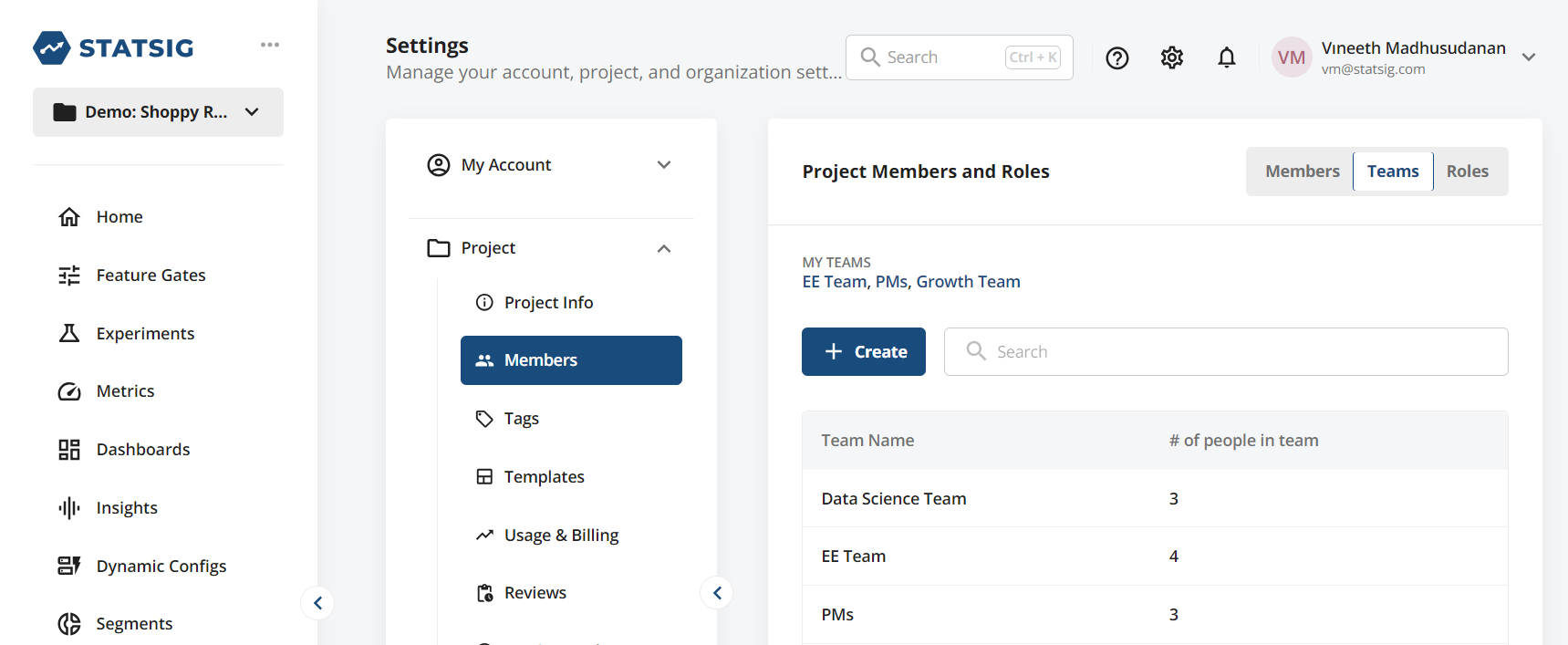
You can now use these predefined Teams when you submit any changes for review.
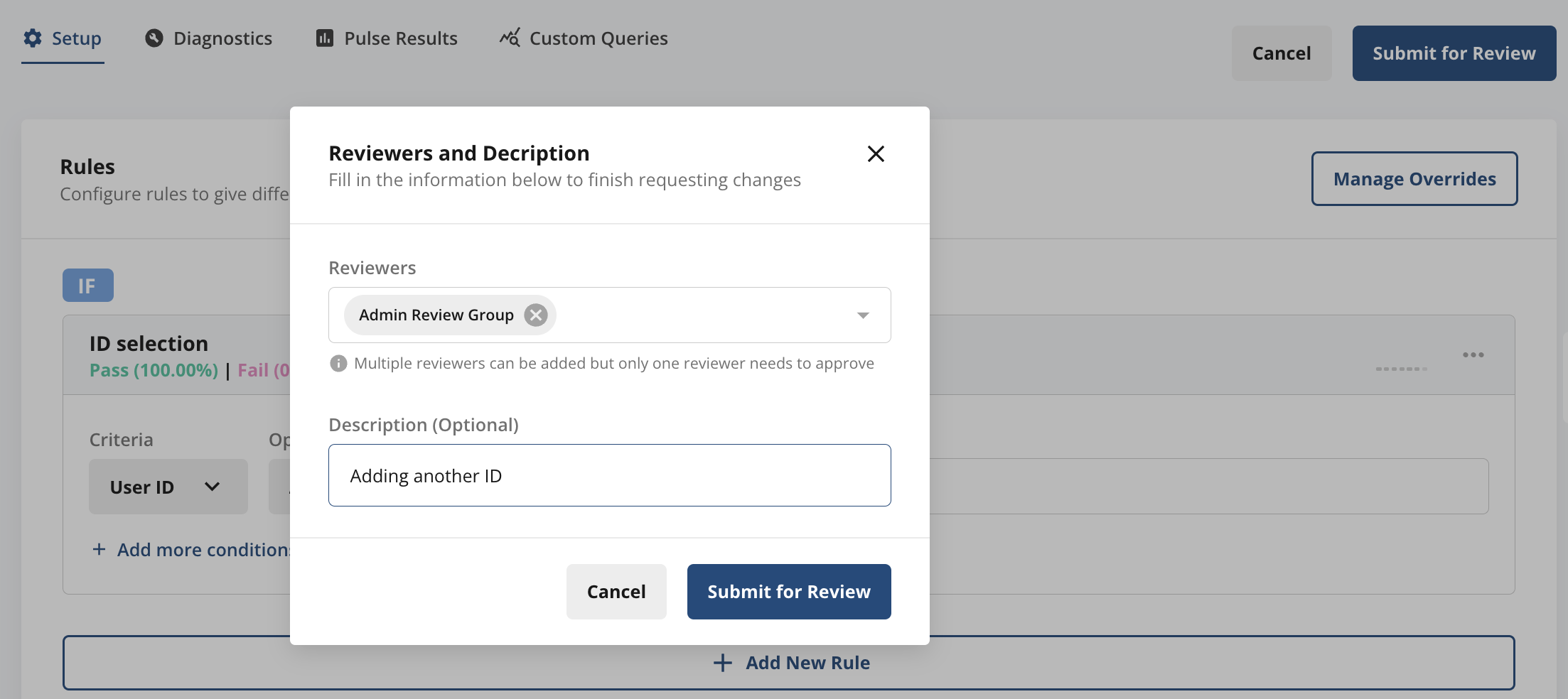
Enforcing team reviews
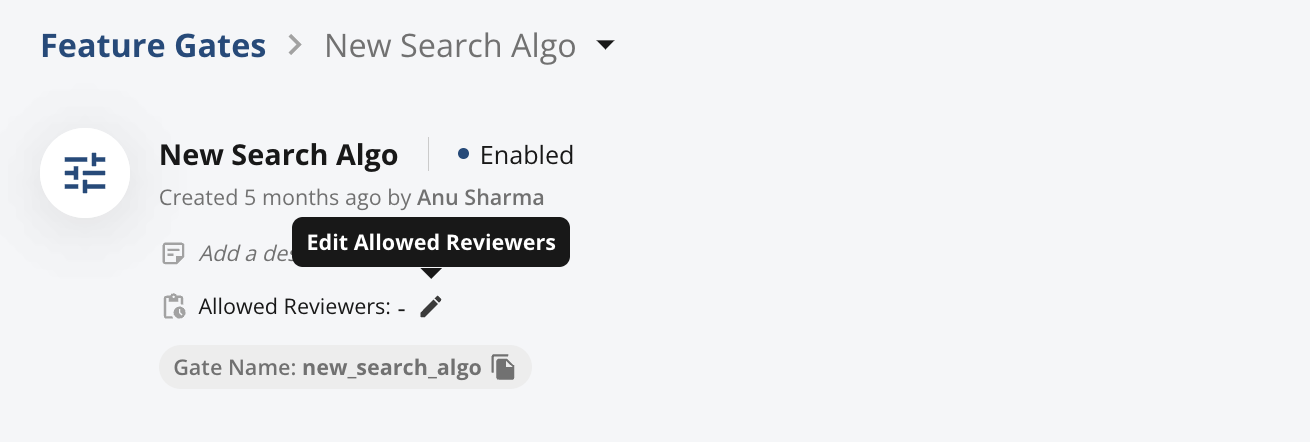
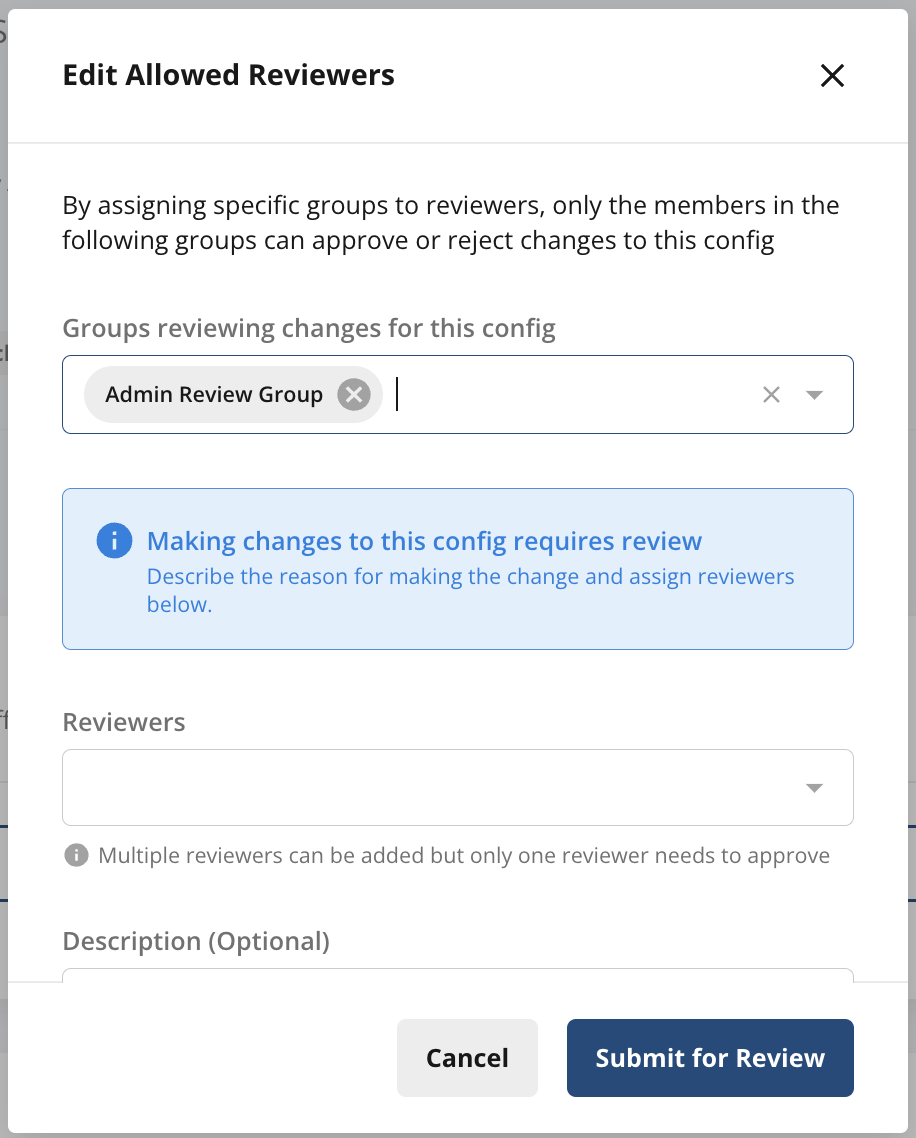
You can restrict who can make changes to your Project by (a) turning on Reviews Required for your Project, and (b) adding designated Teams or Reviewers. Add the Teams or Reviewers when you create the Feature Gate or Experiment.
For (a), refer to the Turning on change reviews for a project section to enable project-wide reviews. For (b), as an owner of a Feature Gate or Experiment, you can add designated Teams or Reviewers at any time. Adding designated Teams or Reviewers ensures that only those groups or members can review and approve subsequent changes. When another member tries to edit these designated review groups or reviewers, the change requires approval from the designated reviewers.
Configuring review settings for different environments
Many teams build, test, and launch new features and experiments across multiple development environments. Statsig supports multiple development environments through Environments.
You can also configure which environments require reviews through Project Settings. Go to Project Settings → Keys & Environments → tap Edit on Environments.
By default, if you've enabled "Reviews Required" for your project, Statsig requires reviews for Production but not for non-Production environments.

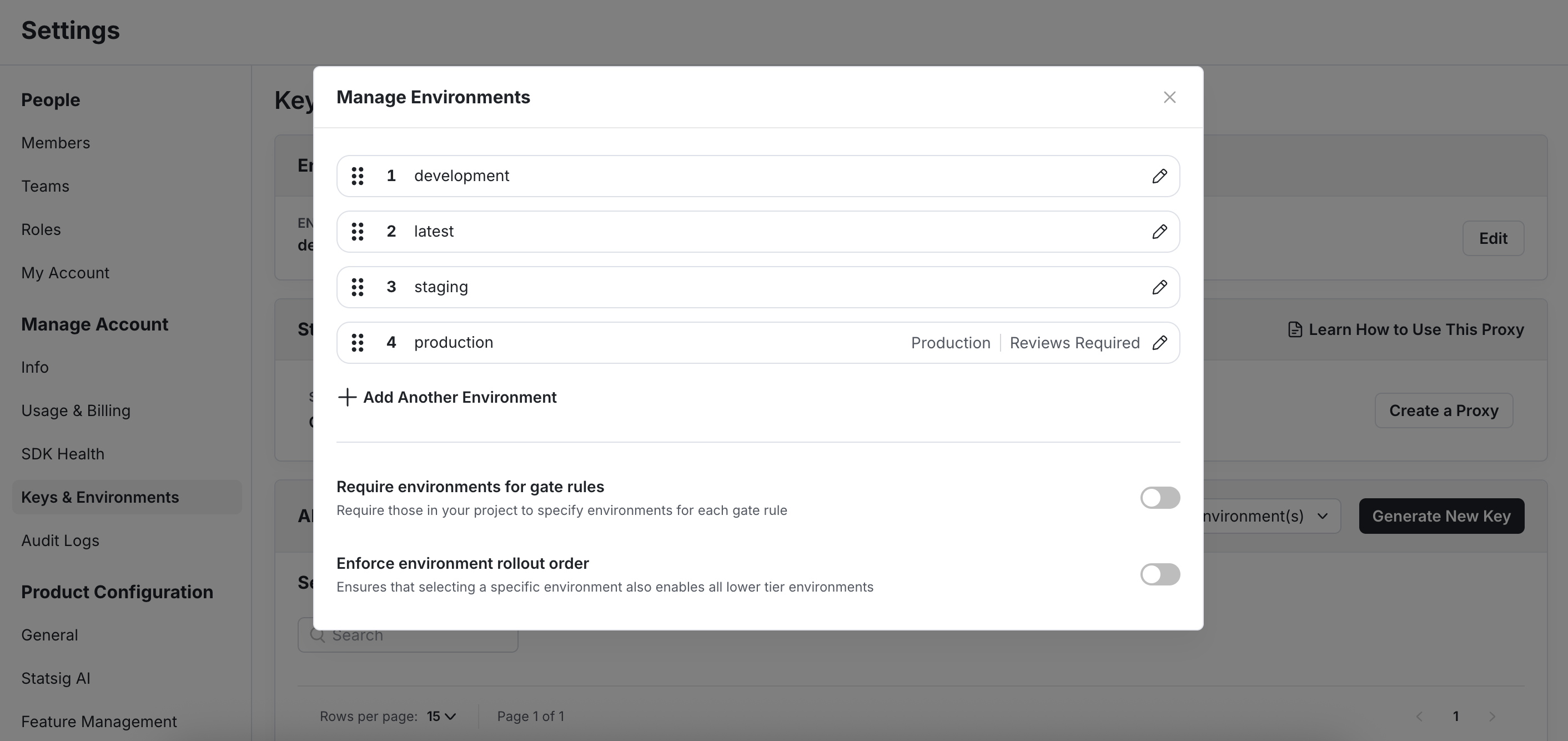
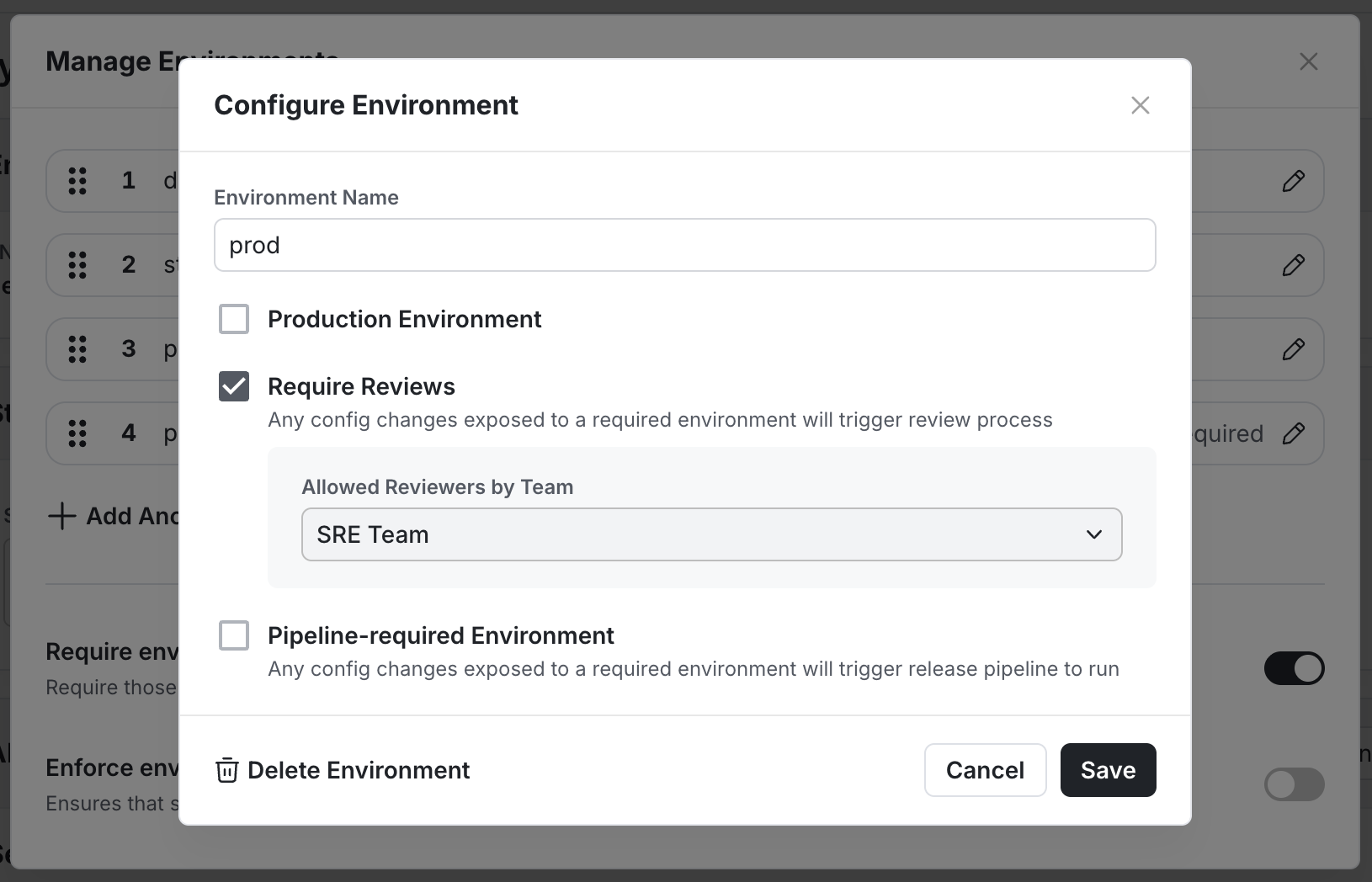
Team-based required reviews per environment
You can assign specific teams as reviewers for each environment. Assigning teams ensures that only designated team members can approve changes for that environment.
Code freeze use case
During code freeze periods, you can prevent anyone from deploying feature flags or configs to production. Assign a dedicated code freeze team as the production reviewer. This assignment ensures that only members of the code freeze team (such as your SRE team or designated code freeze owners) can approve production changes. After the code freeze period ends, you can remove the team assignment to restore normal review workflows.
Was this helpful?