For AI agents: a documentation index is available at /llms.txt. Append .md to any page URL for markdown, or send Accept: text/markdown.
Data Warehouse Ingestion
Introduction to Statsig data warehouse ingestion, which imports events and metrics from Snowflake, BigQuery, Redshift, and other warehouses on a schedule.
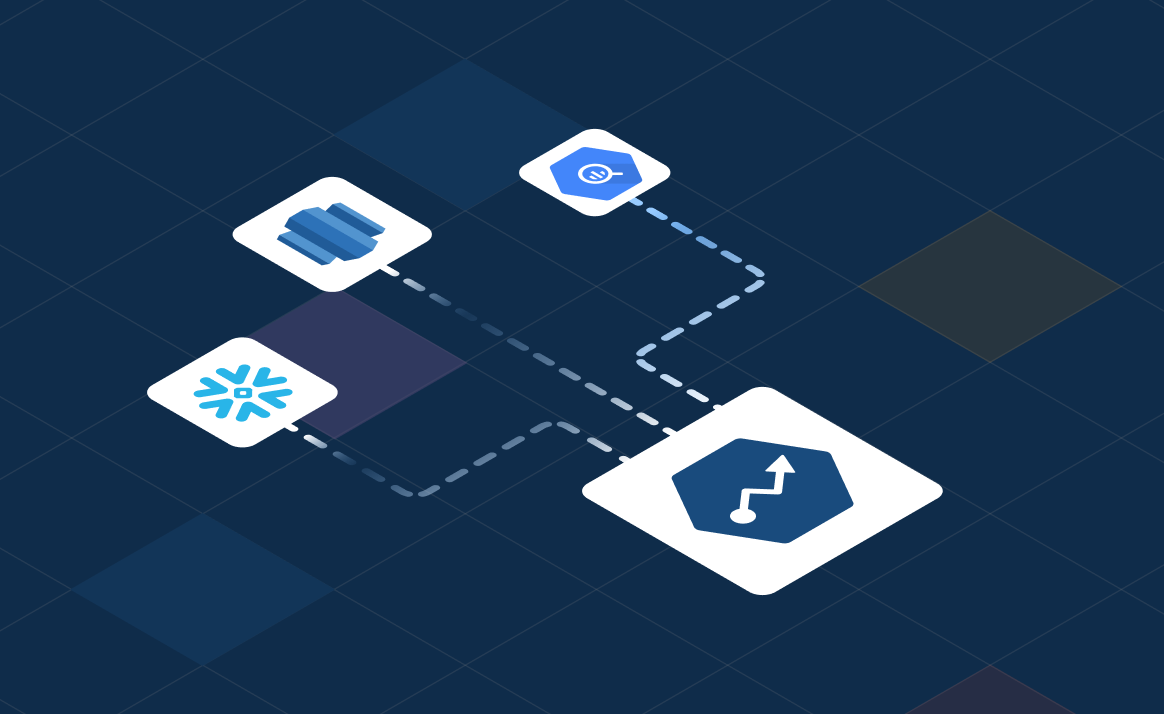
How data warehouse ingestion works
Statsig Cloud can directly ingest data from your Data Warehouse. Direct ingestion lets you send raw events and pre-computed metrics for tracking and experimental measurement. Statsig supports ingestion from the following providers:
Statsig supports multiple data connections to your project, but only a single export connection.
Warehouse Native users: You're viewing the Cloud docs for this page. If you configured your project as Statsig Warehouse Native, your data is already available if you completed the quickstart.
How it works
In Statsig console, you can:
- Set up connection to your data warehouse
- Query your data warehouse for appropriate data
- Map your data fields to Statsig's expected schema
- Bulk ingest & schedule future ingestions
Ingestion runs on a daily schedule. Statsig runs a query you provide against your data warehouse, downloads the result set, and materializes the results into your console. Statsig treats these results the same as data ingested through the SDK.
If data lands late or changes, Statsig detects this change and reloads the data for that day.
Begin data ingestion
To begin ingestion from a Data Warehouse:
- Go to your Statsig Console
- Navigate to Data tab on the side navigation bar
- Go to the "Ingestion" tab
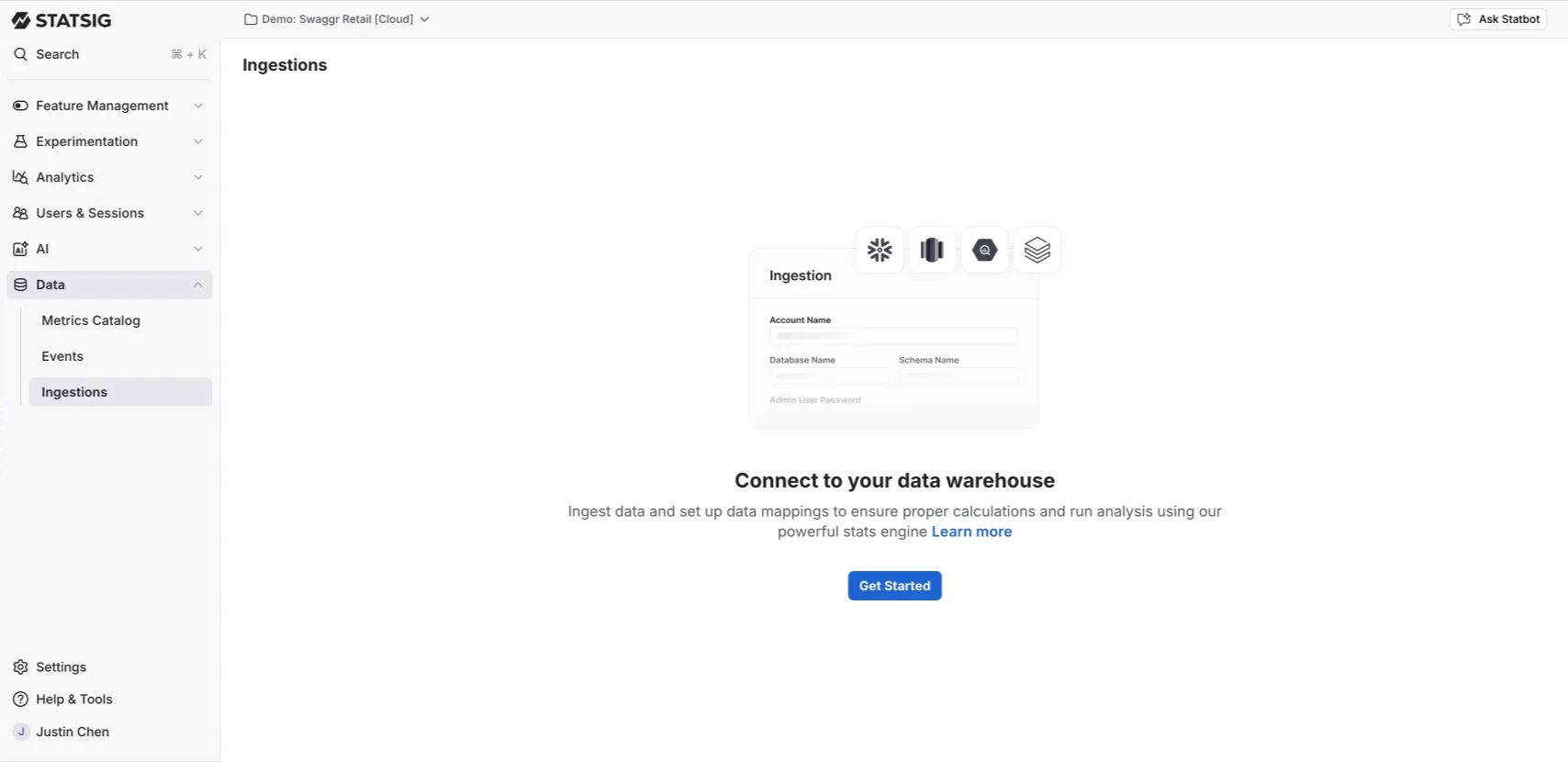
Set up connections with the required credentials and map your data fields to the fields Statsig expects to ingest. Refer to the warehouse-level setup documentation for more details.
Connection flow
Go to the docs sidebar to find the documentation for the data warehouse of your choice. After connecting, provide a SQL query to generate a view of data for Statsig to ingest.
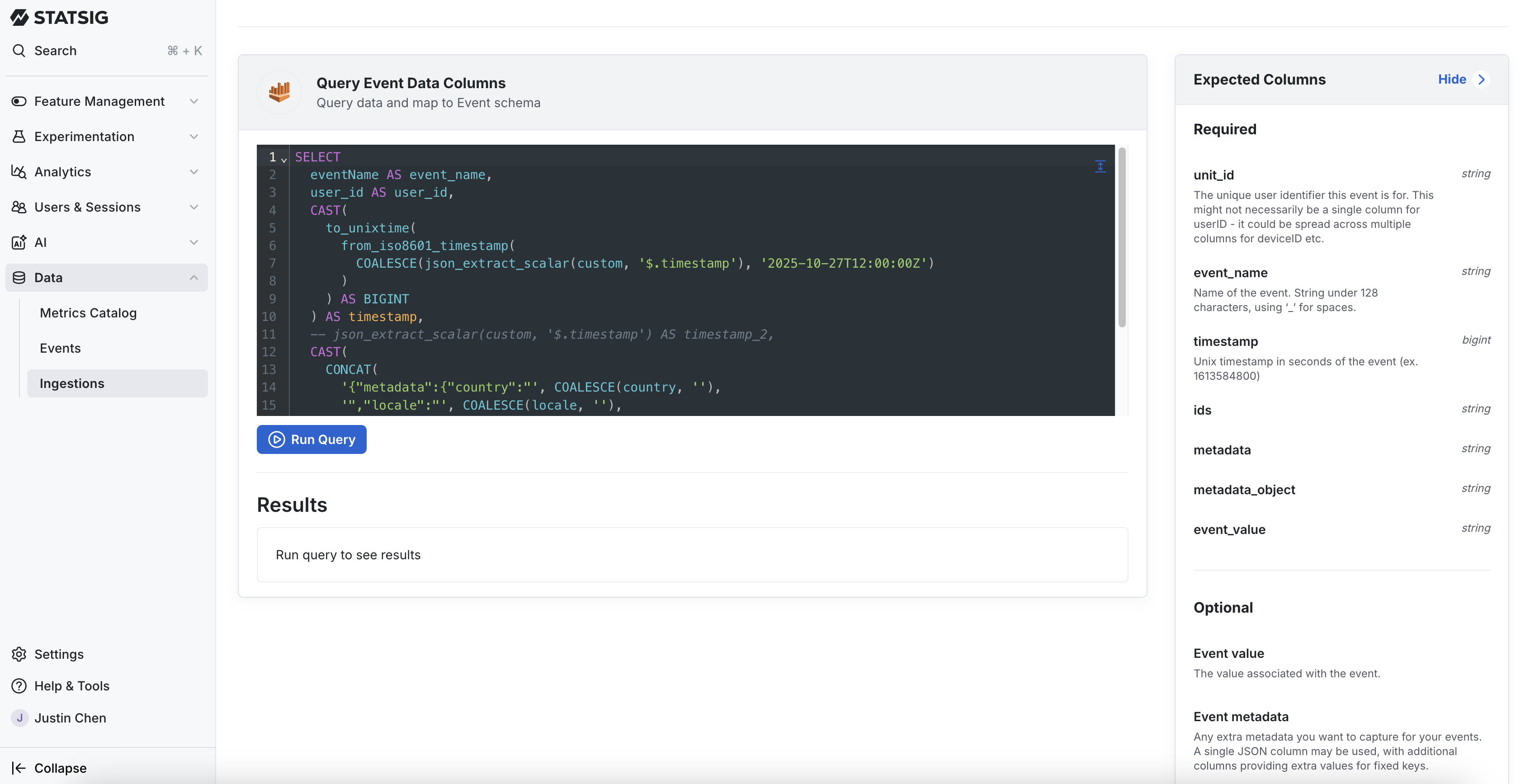
Data mapping
After connecting and providing a SQL query, map columns in your data output to the fields Statsig expects. Statsig runs a small sample query to check for basic data type issues. To process data correctly, each ingestion must include columns for unit_id, event_name, timestamp, and metadata.
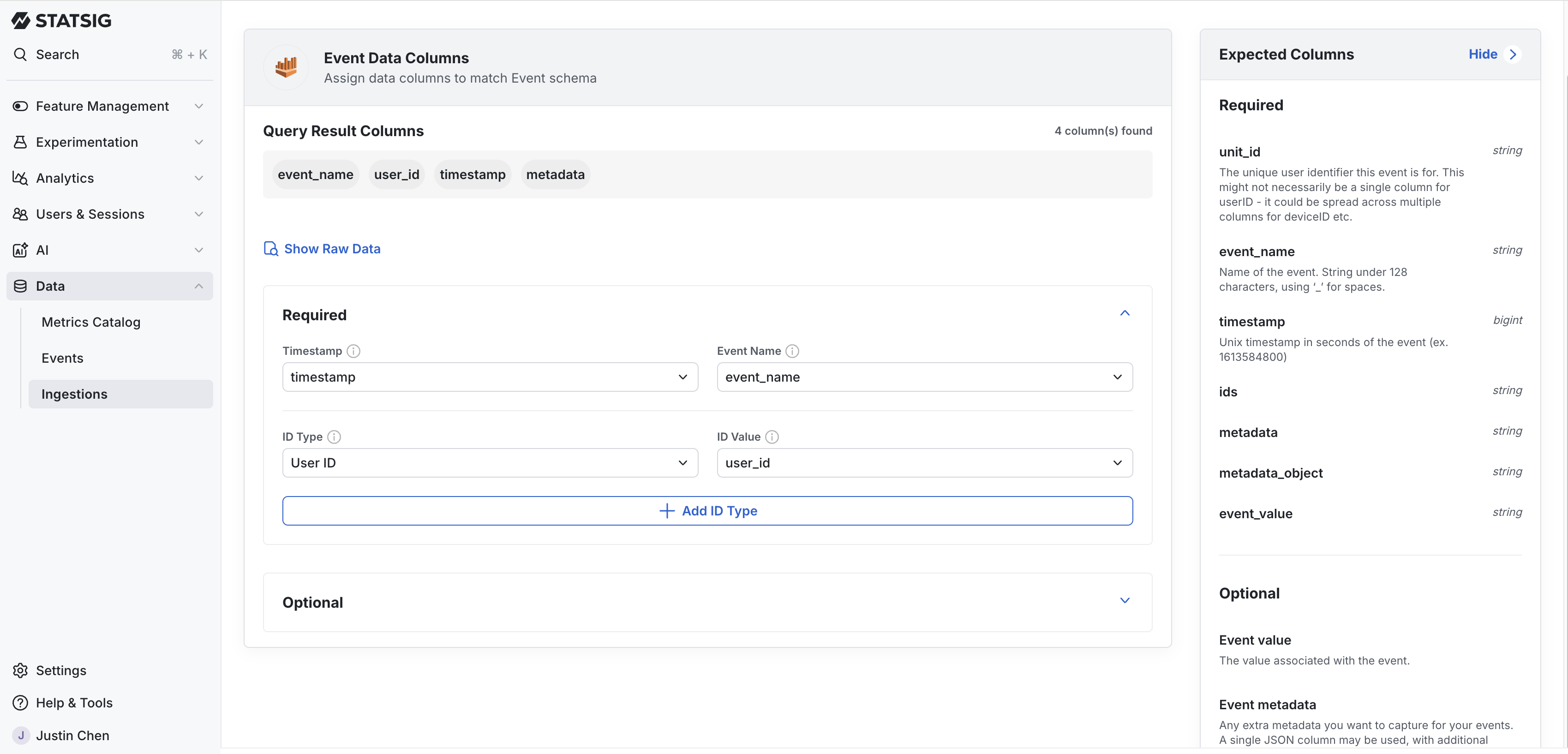
For more information, refer to data mapping.
Scheduling ingestion and backfilling
Statsig supports multiple schedules for ingestion. At the scheduled window, Statsig checks if data is present in your warehouse for the latest date, and loads it if it exists.
Statsig checks the underlying source table for changes. For up to 3 days after initial ingestion, Statsig checks for >5% changes in row counts and reloads the data if Statsig detects a change.
Statsig also supports a user-triggered backfill. A backfill is useful if a specific metric definition has changed, or if you want to resync data older than a few days.
To change your ingestion schedule or start a backfill, click the ellipses at the end of the data connection to open these options. Statsig bills reloading data and backfilling metrics and events as any other custom event.
Statsig doesn't support auto-generated User Accounting Metrics for data warehouse ingestions.
Troubleshooting ingestions
If any ingestion errors occur, Statsig notifies you in the project and directs you to the Ingestions page. You can diagnose an error directly in Statsig by following the step-by-step triage flow. Common errors include missing permissions and outdated credentials.
API triggered ingestion (mark_data_ready)
Enterprise customers can trigger ingestion for metrics or events using the Statsig API. Triggering ingestion runs your daily ingestion immediately. API-triggered ingestion is useful for companies whose data availability timing varies day to day and need data to land in Statsig as soon as possible. Enable this by selecting "API Triggered" as your ingestion schedule. With API Triggered enabled, there's no automatic ingestion, but Statsig still re-syncs data after the initial ingestion if Statsig detects a change.
To trigger ingestion, send a post request to the https://api.statsig.com/v1/mark_data_ready_dwh endpoint using your statsig API key. An example is:
curl \
  --header "statsig-api-key: <YOUR-SDK-KEY>" \
  --header "Content-Type: application/json" \
  --request POST \
  --data '{"datestamps": "2023-02-20", "type": "events", "sources":["source1", "source2]}' \
  "https://api.statsig.com/v1/mark_data_ready_dwh"
| Parameter | Required | Description |
|---|---|---|
datestamps | Yes | The date of the data being triggered |
type | Yes | metrics or events |
sources | Only for multi-source ingestions | Array of strings representing the sources to trigger |
Statsig rate limits this endpoint to one call every two hours. After triggering, there may be a few minutes' delay before status updates appear while Statsig creates compute resources.
Frequently asked questions
Refer to the FAQ page for frequently asked questions.
Was this helpful?