For AI agents: a documentation index is available at /llms.txt. Append .md to any page URL for markdown, or send Accept: text/markdown.
Create a dynamic config
Learn how to create a new dynamic config in the Statsig console
A dynamic config defines JSON values your application reads from Statsig instead of hard-coding them. To create a dynamic config,
- Log into the Statsig console at https://console.statsig.com
- On the left-hand navigation panel, select Dynamic Configs
- Click the Create New button
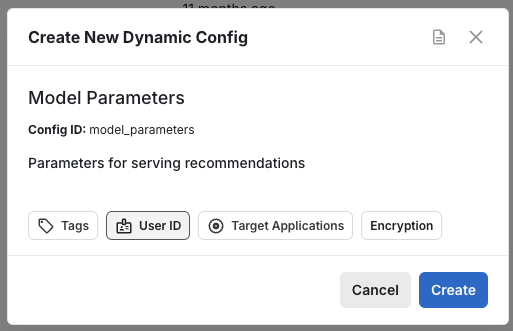
- Enter a name and description, and click Create
Was this helpful?