For AI agents: a documentation index is available at /llms.txt. Append .md to any page URL for markdown, or send Accept: text/markdown.
Adding ID Lists
Learn how to create and manage ID List segments for targeting specific users by their identifiers
Adding ID lists
What is an ID list
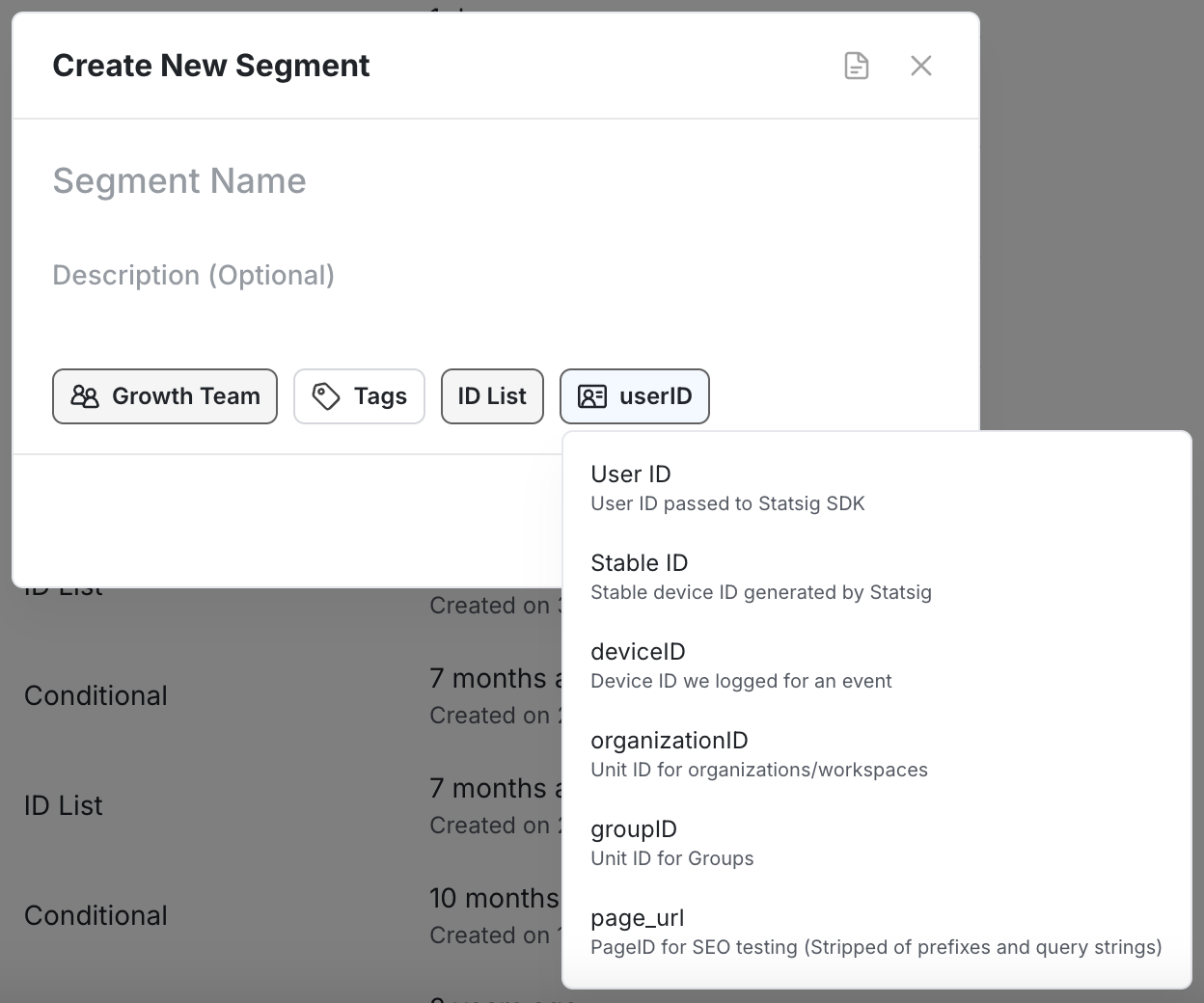
An ID List defines a reusable audience segment from user identifiers like userID, stableID, or organizationID. Use it to target a specific set of known users across gates, experiments, and dynamic configs. For audiences of hundreds of thousands or more, set an attribute on the User object instead of maintaining a large ID List.
You can manage ID Lists by manually adding or removing IDs, uploading CSVs, or replacing the entire list.
Creating an ID list segment
- Navigate to the Segments section in the Statsig Console.
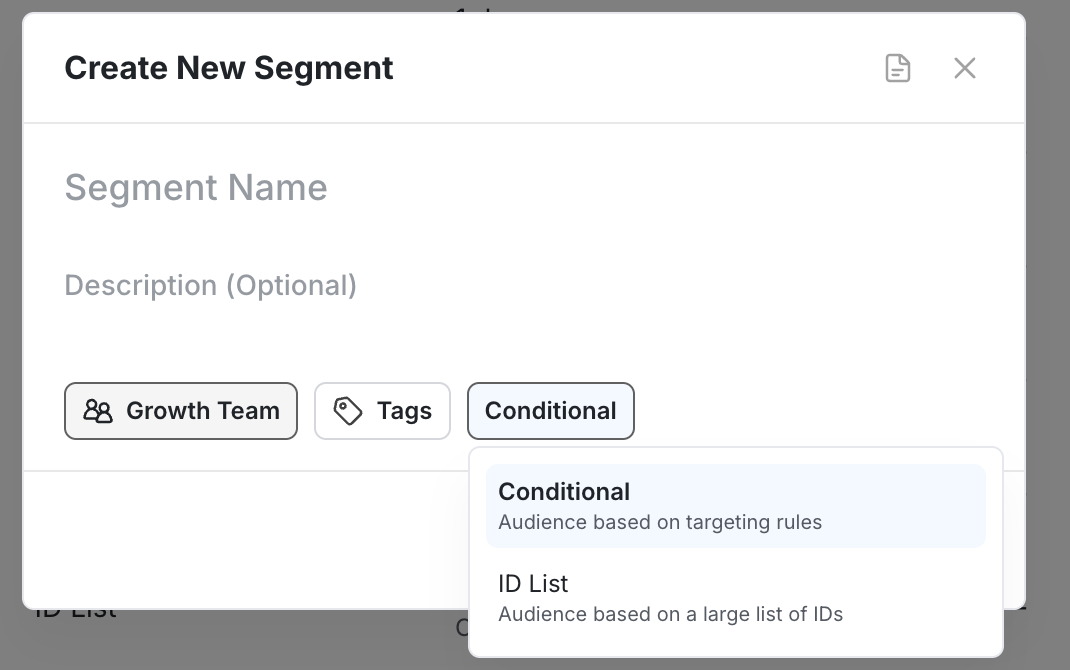
- Click Create New Segment.
- Toggle the segment type from Conditional to ID List.
- Select the ID type you want to build from.
Managing IDs
After you open your ID List segment, you have several options:
- Manual Entry: Enter IDs directly into the input box.
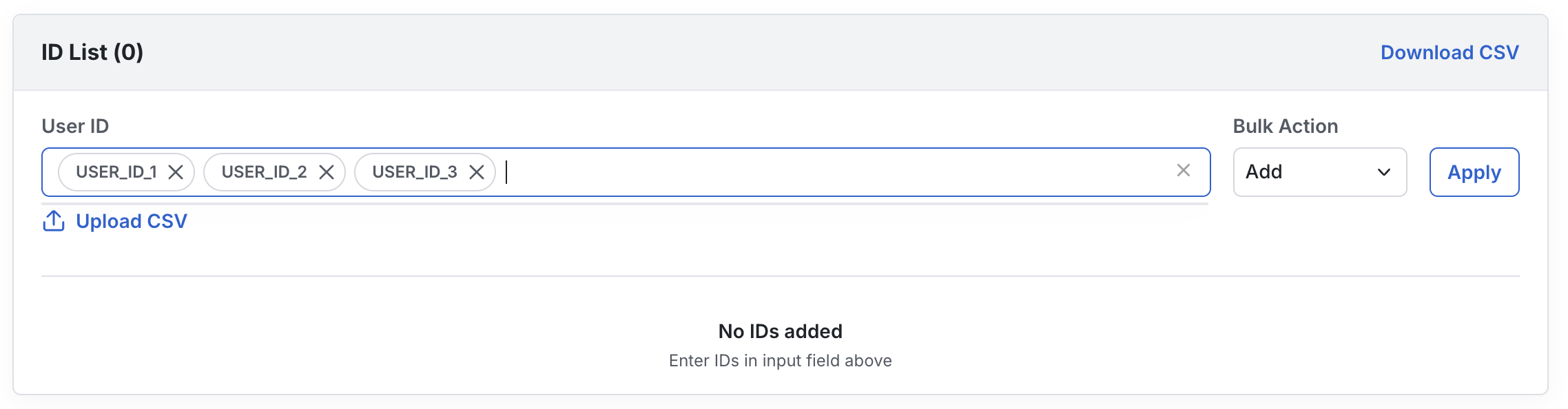
- Upload CSV: Import a list of IDs from a CSV.
- Bulk Actions: Choose how your input affects the existing list:
- Add: Add IDs to the list.
- Remove: Remove matching IDs from the list.
- Replace: Clear all IDs and replace with a new list.
You can also sync an ID list segment from sources such as Amplitude Cohorts, Segment Audiences, or a custom source using the Console API.
There's a hard limit of 10 million IDs across all ID Lists in your project.
Keep ID lists small
Statsig synchronizes ID Lists with fewer than 1,000 IDs in the same process as feature gates, experiments, and conditional segments, providing high consistency and reliability. ID Lists over 1,000 IDs use a separate synchronization process for scalability. As a result, Statsig doesn't include them in the main initialization path (for server SDKs or the local evaluation version of client SDKs), and change propagation takes longer.
Keep each ID List to no more than 1,000 IDs unless the longer propagation time is acceptable.
To target hundreds of thousands or millions of users, the more performant approach is to set an attribute on the User object passed to the Statsig SDK. For example, pass user_type:Paid or user_type:Trial in the User object instead of maintaining large ID Lists. This approach requires your app to have the attribute available when calling the Statsig SDK.
Was this helpful?