For AI agents: a documentation index is available at /llms.txt. Append .md to any page URL for markdown, or send Accept: text/markdown.
Using a segment
Learn how to use segments to target users in feature gates and dynamic configs
You can use a segment to target a set of users in a feature gate or a dynamic config:
Select the feature gate or dynamic config where you want to target users
Click the Add New Rule button
In the criteria, select the User in Segment option
Select the segment that you want to use and enter a name
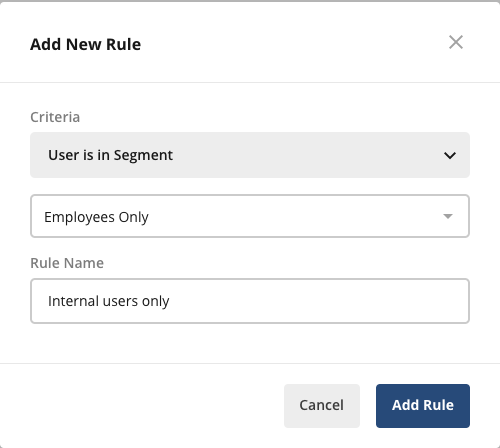
Click the Add Rule button
Click the Save Changes button at the top right of the Rules section
Was this helpful?