For AI agents: a documentation index is available at /llms.txt. Append .md to any page URL for markdown, or send Accept: text/markdown.
Events Mode on Logs Explorer
Use events mode in Statsig Logs Explorer to analyze log records as discrete events for higher- cardinality grouping, filtering, and visualization.
Events Mode brings the searching and filtering abilities from Log Explorer to your existing Statsig events data. No additional instrumentation required!
- Debug user activity with more control
- Trace the sequence of actions a user performed
- Narrow in on specific events from metadata properties
Statsig offers Events Mode to all Statsig Cloud customers.
Get started with Events Mode
- Open Logs Explorer from the left navigation.
- Confirm you've switched from Logs mode to Events mode (the area next to the search bar should say Events).
- Start searching across event names, properties, and time ranges.
Construct a search
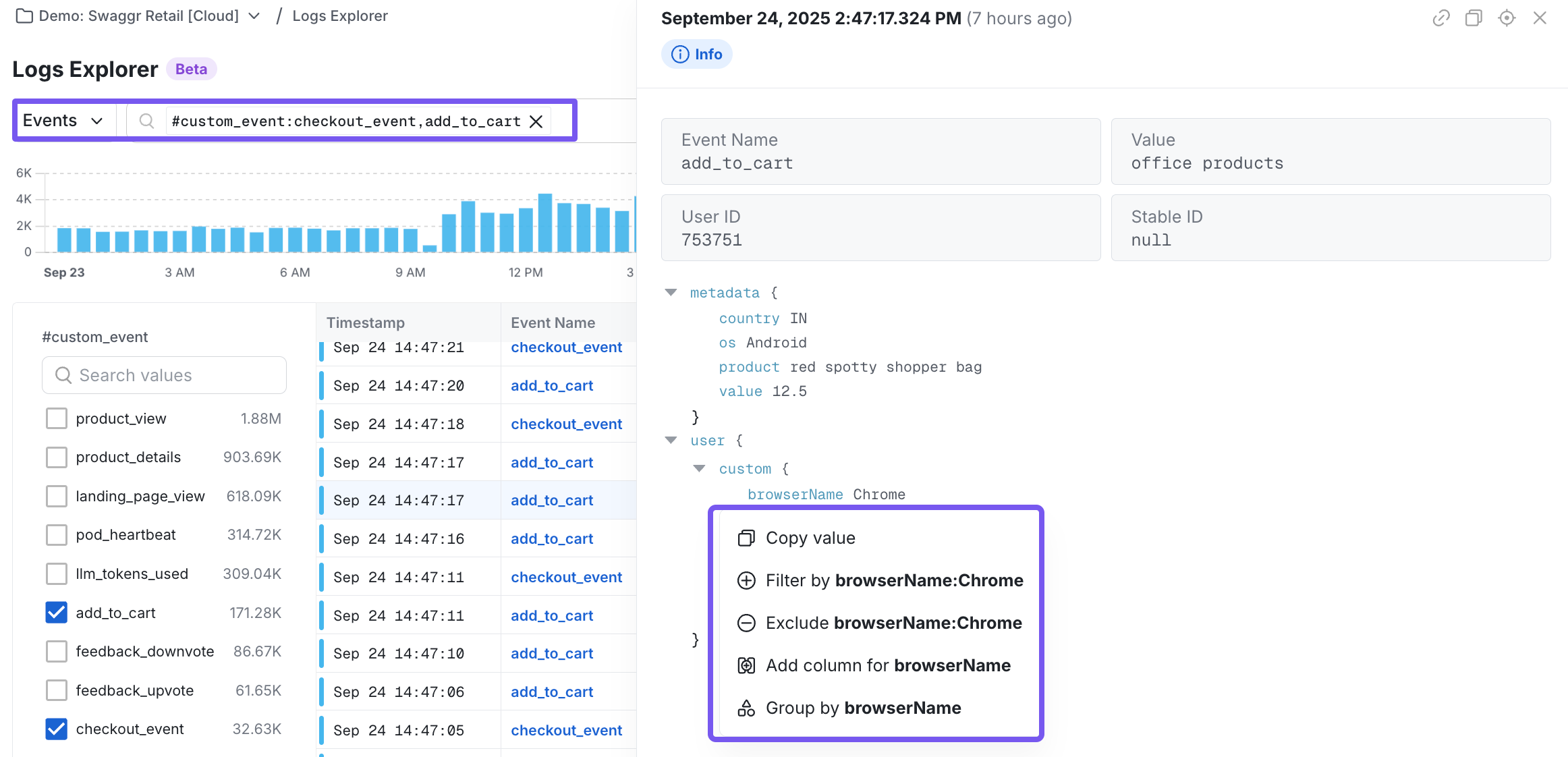
You can search through events in two ways:
- Writing queries: Use syntax-based search to target specific events and properties.
- Using the query builder: Point-and-click to construct filters without syntax overhead.
Example workflows
| Description | Query |
|---|---|
| Find all enterprise account signups from web browser devices | event_name:signup_completed AND #plan:enterprise AND #platform:web |
| Find all checkout events where the item name contained "black" | @#custom_event:checkout_event,add_to_cart AND @product:"*black*" |
| Find all events from users with a gmail account | #user_object.email:"*gmail.com" |
Was this helpful?