For AI agents: a documentation index is available at /llms.txt. Append .md to any page URL for markdown, or send Accept: text/markdown.
Feature Gates Policy
Configure organization-level feature gate policies in Statsig to require approvals, reviewers, and review checks before publishing changes to gates.
Organization level Feature Gate Policies are an Enterprise only feature.
What Feature Gates Policy lets organization admins do
Feature Gates Policy sets organization-wide rules for how teams create and target feature gates. With it, organization admins can:
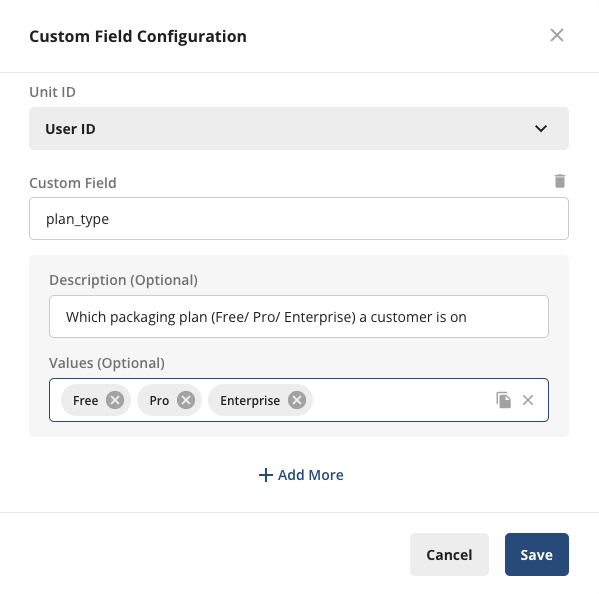
Configure the Custom Fields used in Feature Gate targeting: With this setting, admins can pre-define allowed Custom Fields by ID type and add a description to give end users more context on the Custom Field. Admins can also pre-define the allowed values. Defining allowed values is optional.
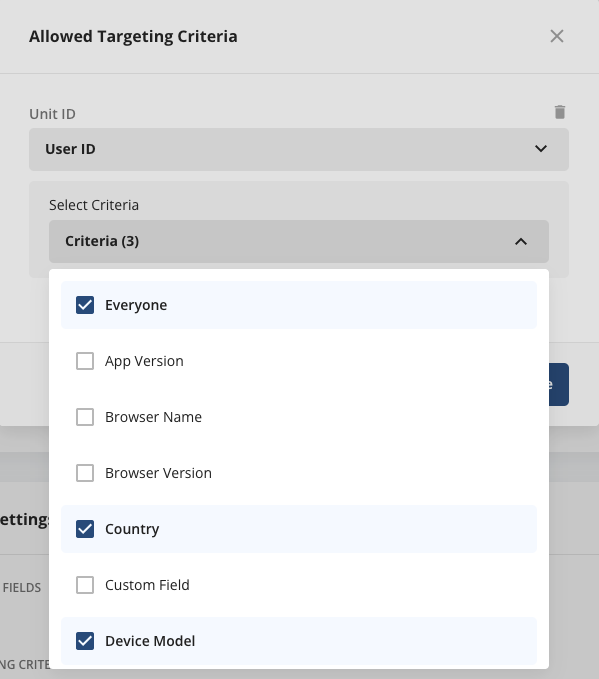
Configure allowed targeting criteria for Feature Gates: With this setting, admins can select which targeting criteria surface as options during gate creation for end users. You also define these allowed targeting criteria at the ID type level. For example, you can create one set of targeting criteria for logged-in (UserID) rollouts and another for logged-out (stableID) rollouts.
Require templates for gate or dynamic config creation: Lets admins enforce that all gate or dynamic config creations use a template. Manage restrictions on who can create or edit templates (and which templates each team can use) under People → Teams and Roles.

Configure feature gate policies
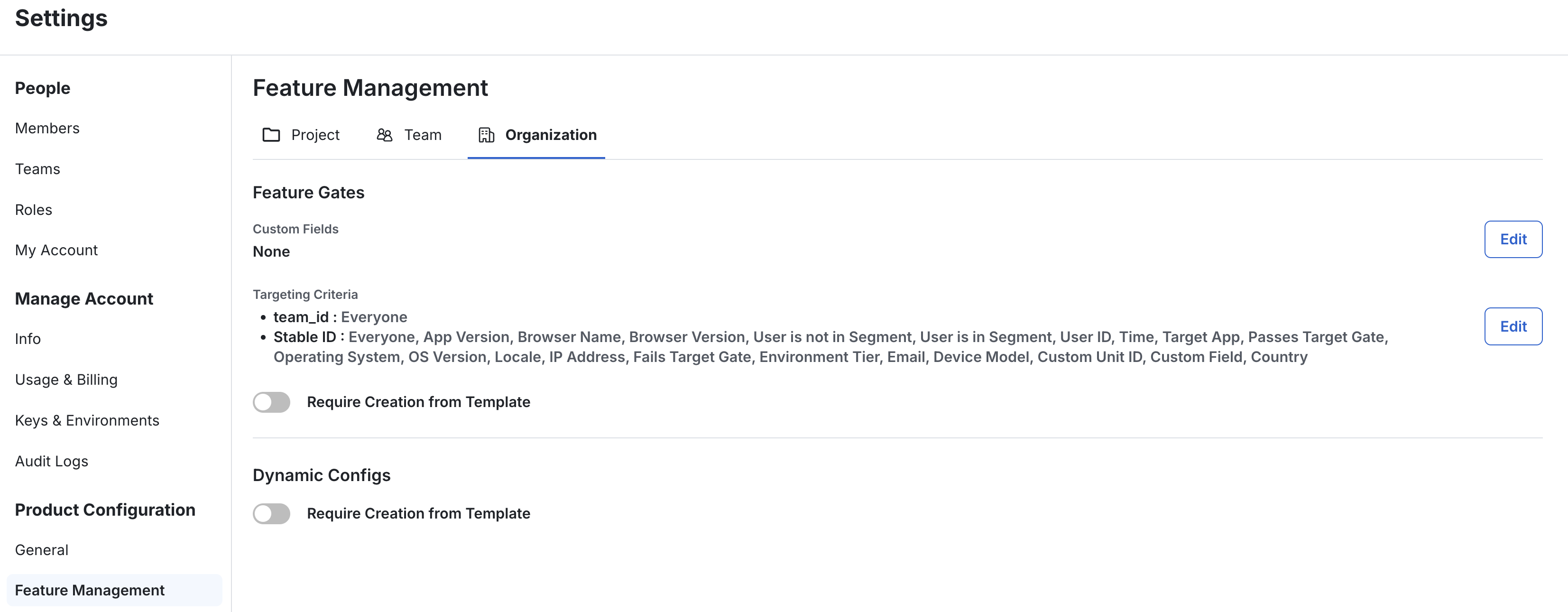
To manage Organization Gate Policy, go to Product Configuration → Feature Management → Organization tab. Only organization admins can modify these settings.
Was this helpful?