For AI agents: a documentation index is available at /llms.txt. Append .md to any page URL for markdown, or send Accept: text/markdown.
Email AB Testing with Customer.io
Run email A/B tests with Statsig and Customer.io by sending exposure events from email sends to compare open, click, and conversion metrics.
Statsig and Customer.io together run A/B tests on your email content: Customer.io splits recipients into groups and sends exposure events to Statsig, which then compares open, click, and conversion metrics across variants. Use this setup to find the best-performing email template and measure its impact on downstream product metrics.
This guide assumes you have an existing Statsig account. If you don't have one, create a free account at https://statsig.com/signup
Step 1: Create an experiment
Create a new Experiment in the Statsig console. Enter a name and leave the remaining fields at their default values.
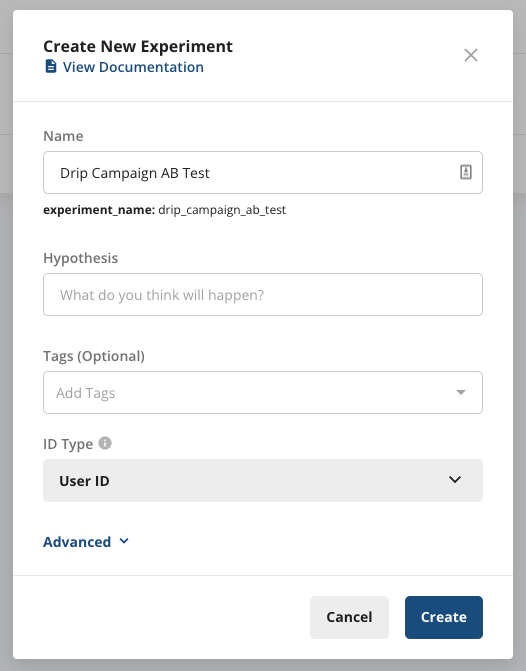
Step 2: Start the experiment
An experiment requires at least one parameter before it can start. Add a placeholder parameter now.
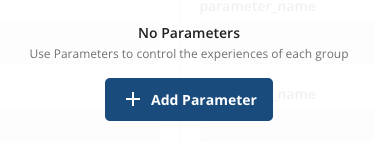
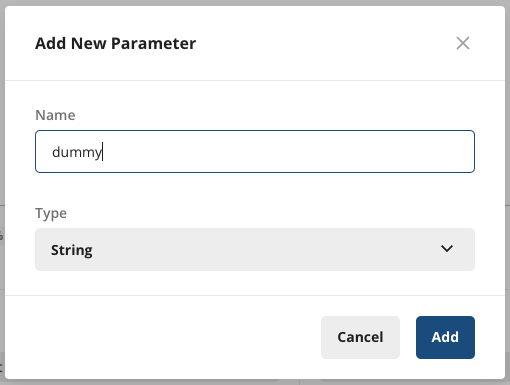
Save the experiment setup and select Start.
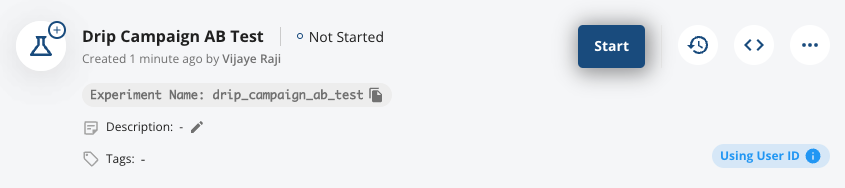
Copy the Experiment Name. You need it in the next step.
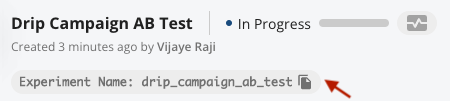
Step 3: Set up exposure webhooks
In your Customer.io campaign, create a Random Cohort Branch with a flow similar to the following:
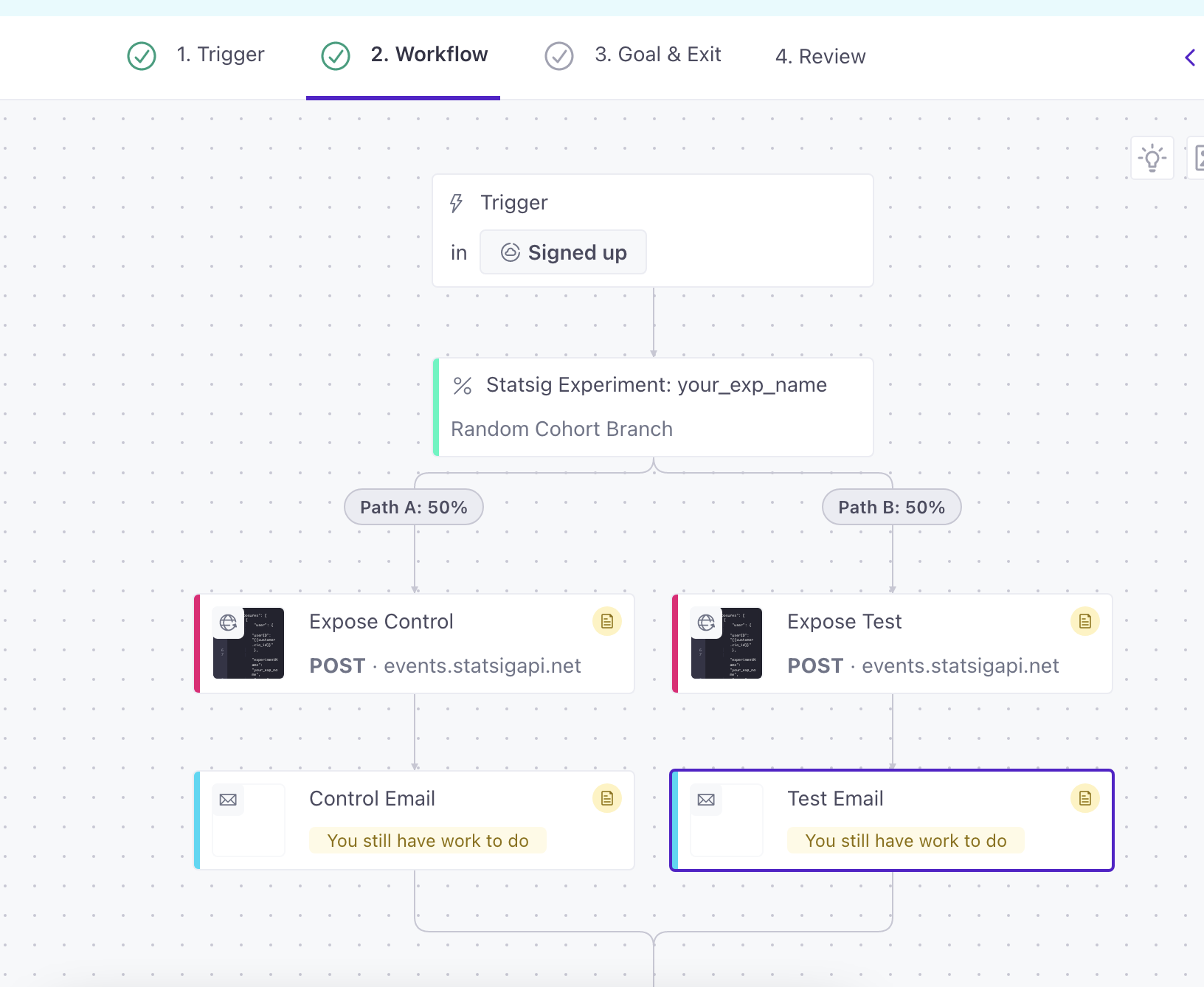
In the Webhook actions, add a POST request similar to the following, with your API key and experiment name filled in:
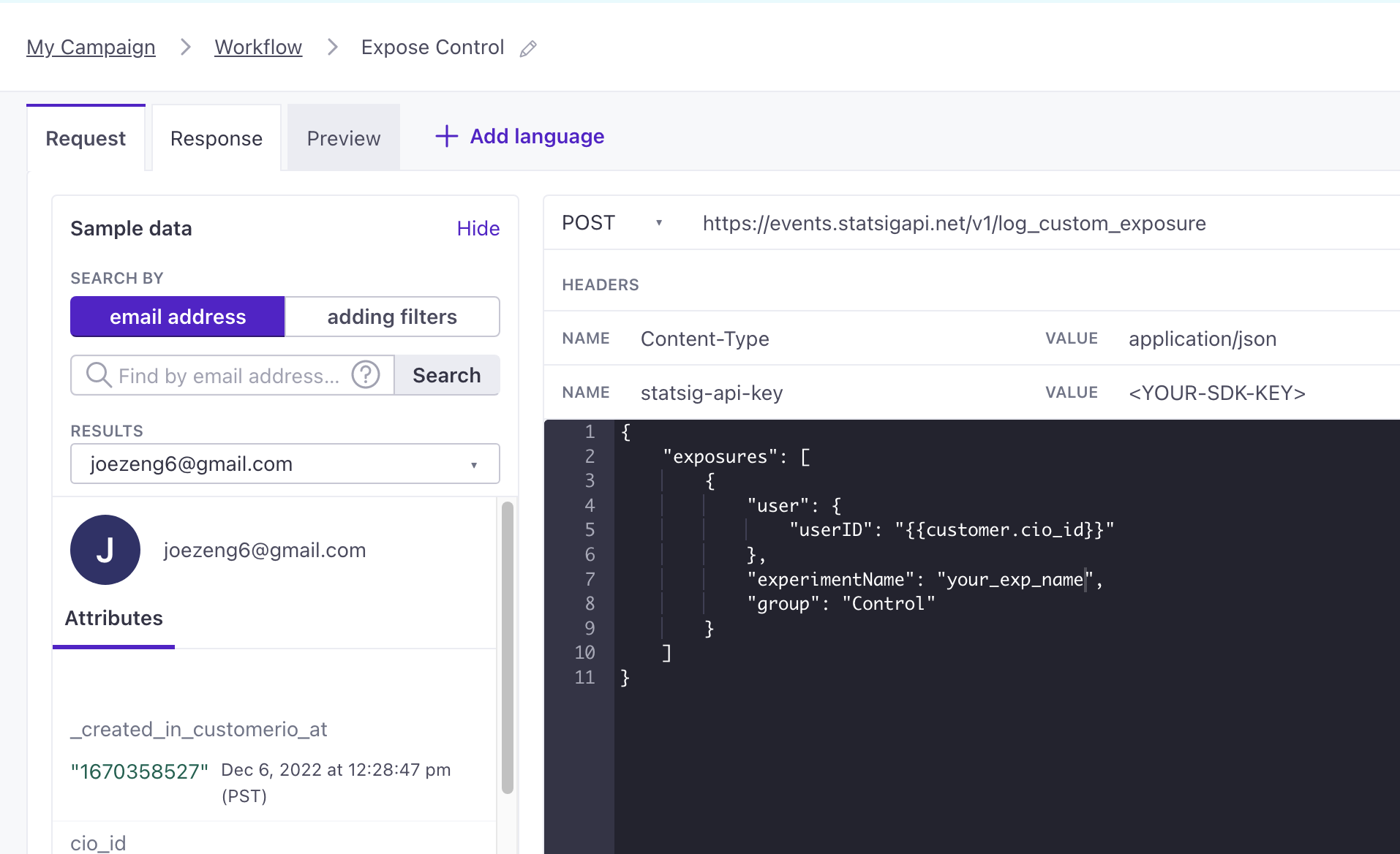
Pass in any other custom IDs and user attributes inside the post body.
For each webhook, expose the correct group to attribute the branch to. The webhook shown above exposes the "Control" group.
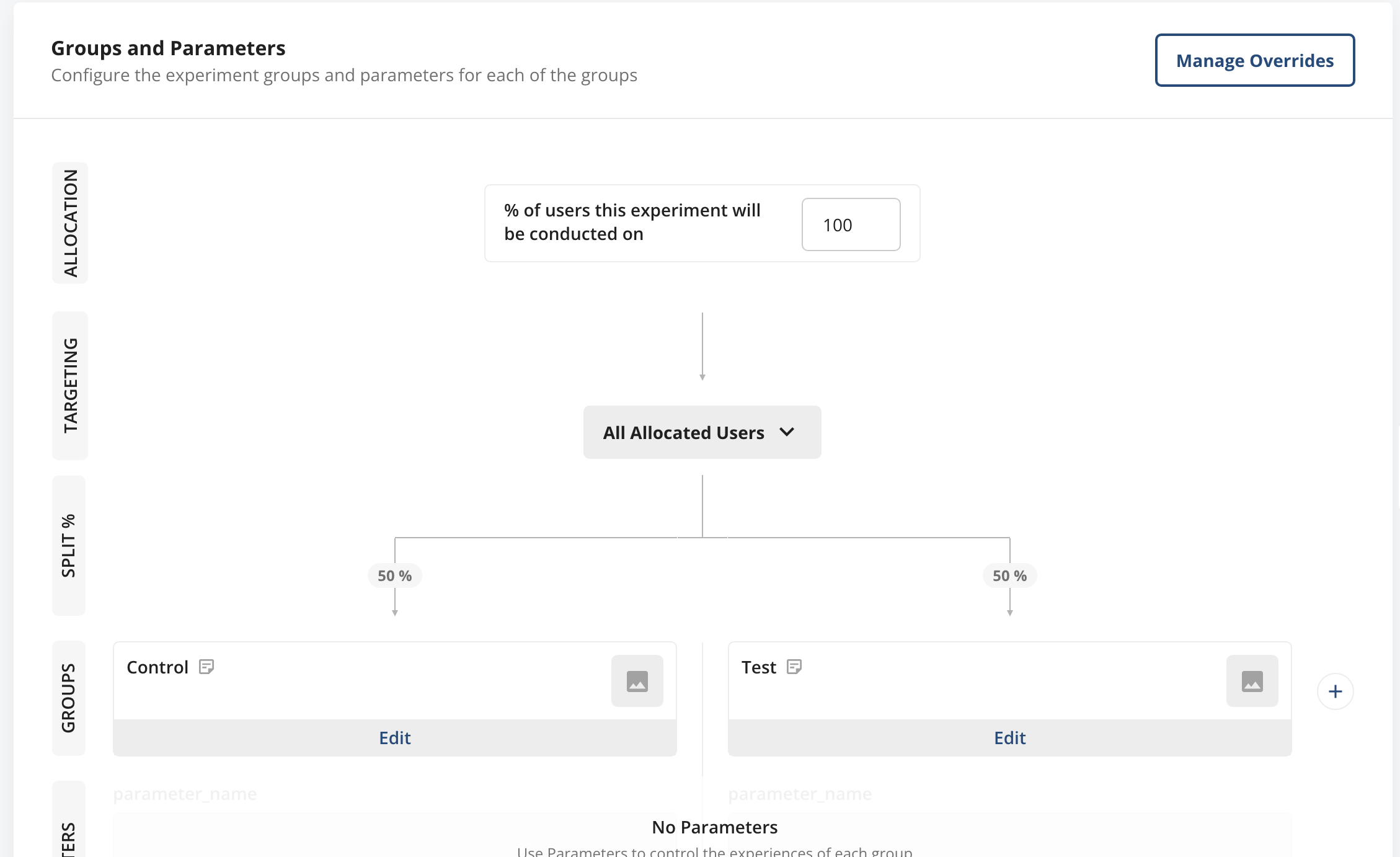
In Statsig, you now have exposures for each of your experiment groups.
Holdouts
To use Statsig Holdouts with Customer.io, identify users who are part of a holdout using Customer.io's identify function: https://customer.io/docs/sdk/ios/identify/
When you call Customer.io's identify method, check a Statsig holdout gate and add an attribute to the user to mark them as being in a holdout.
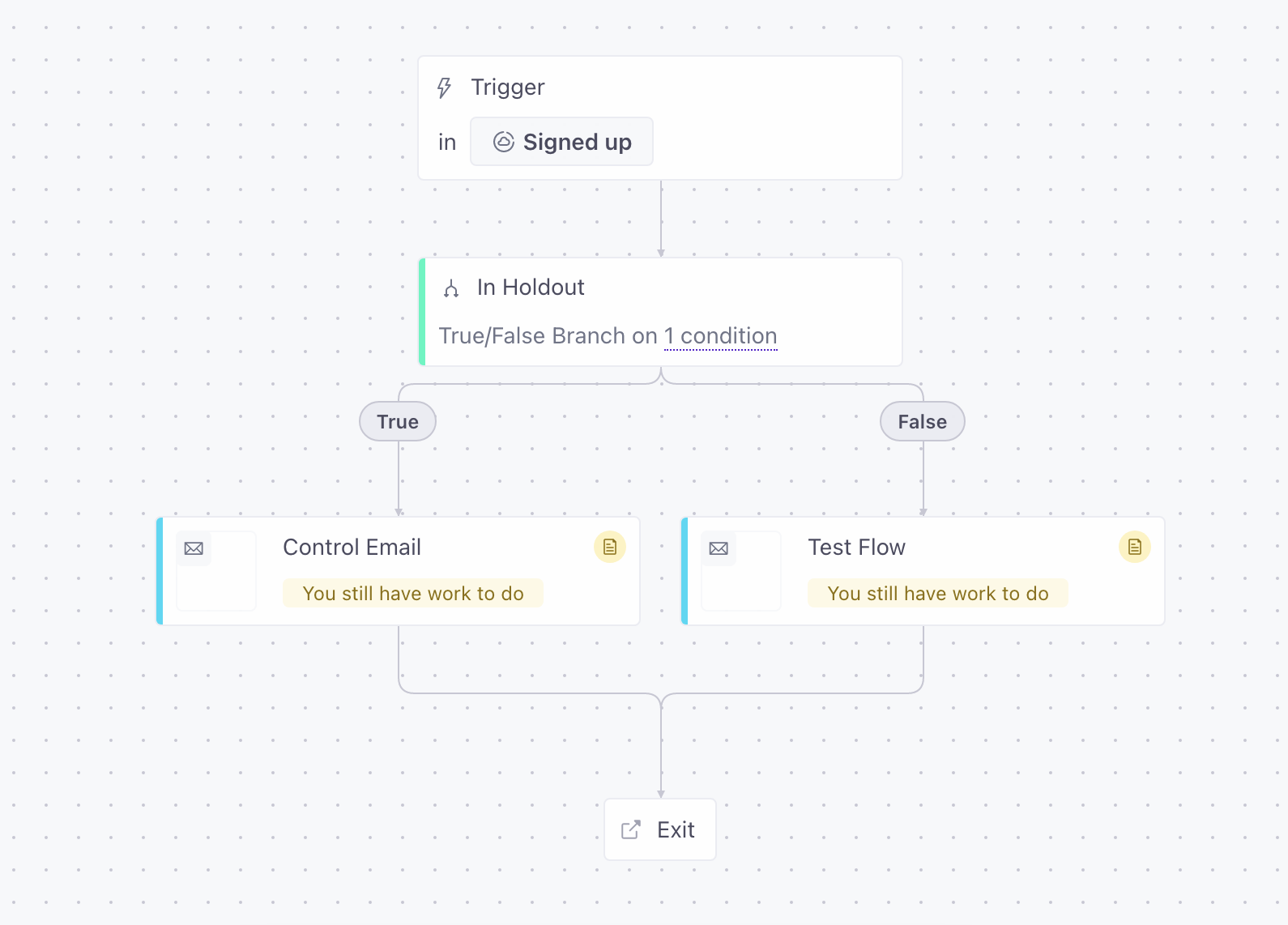
In your campaign, create a True/False branch to check whether a user is in the holdout.
Was this helpful?