For AI agents: a documentation index is available at /llms.txt. Append .md to any page URL for markdown, or send Accept: text/markdown.
Jira
Integrate Statsig with Jira to link feature gates and experiments to tickets, surface rollout status in issues, and automate status updates.
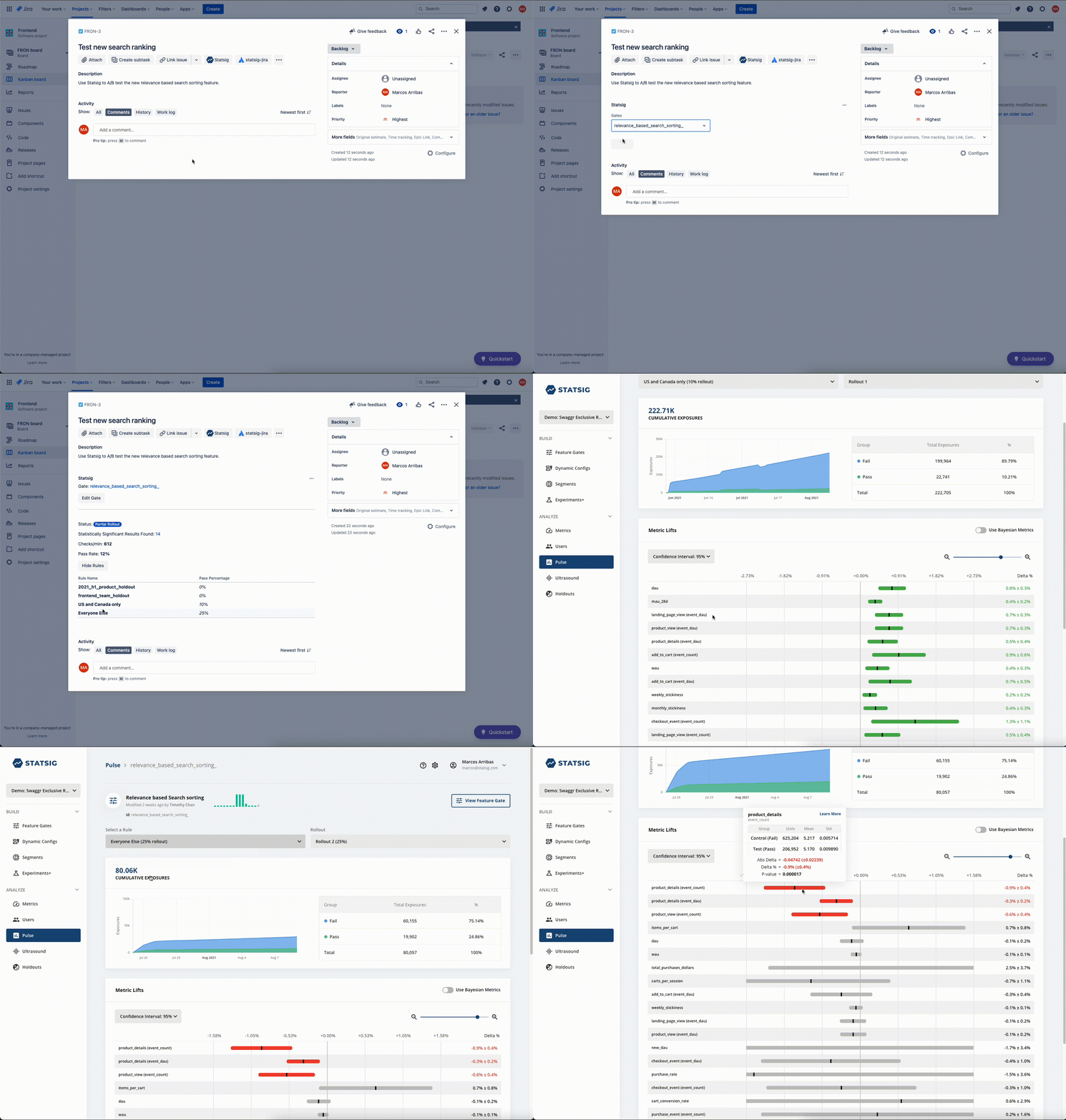
How the Statsig for Jira app works
The Statsig for Jira app lets you bring insights from your Statsig Feature Gates into your Jira project. Associate Statsig feature flags with your Jira issues to track rollout status and A/B test results directly in Jira.
Configure the Statsig for Jira app
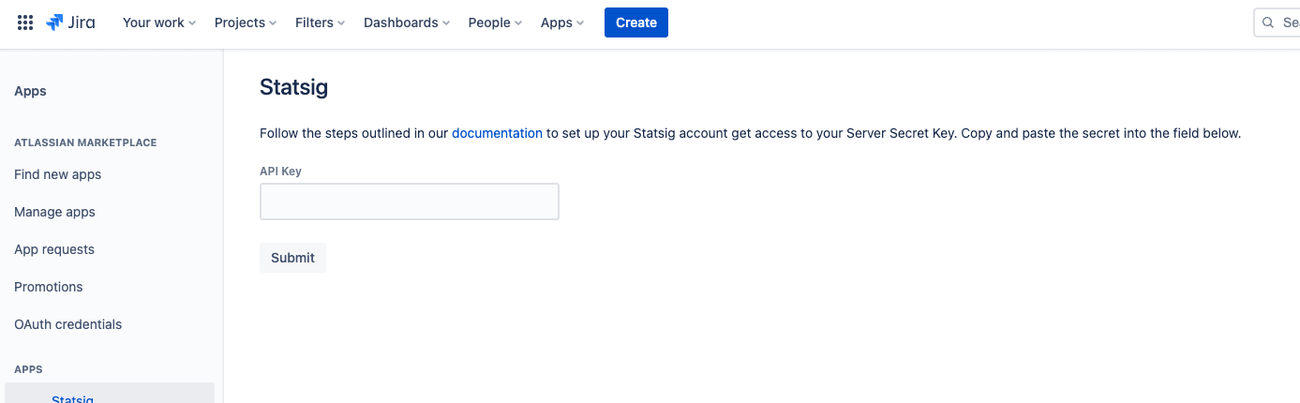
Get a Server Secret Key from the Statsig Console, then go to the Atlassian Marketplace to install the Statsig app for Jira.
To configure the app, go to Apps > Statsig > Allow Access, then enter your API key:
Was this helpful?