For AI agents: a documentation index is available at /llms.txt. Append .md to any page URL for markdown, or send Accept: text/markdown.
Statsig Managed API Proxy
Use the Statsig managed API proxy to cache SDK config and event requests, reduce client latency, and improve reliability without running your own proxy.
An API proxy gives you a unique URL to send and receive data to and from Statsig servers. This unique URL reduces the likelihood of interception by client-side or DNS-side blockers, allowing your applications to receive the correct configuration and send more complete data.
Only Pro or Enterprise tiers can use the Managed Proxy.
The Managed Proxy is a quick way to prevent ad-blocking. For lower-volume customers, or as a starting point before you configure the Custom Proxy, the Managed Proxy provides a functional solution. The Custom Proxy is more robust and customizable.
Why use a proxy
Many web browsers have tracking blockers installed. These blockers can block feature flags, experiments, and runtime dynamic config data, which excludes affected users from statistical analysis.
Using an application-specific proxy signals to tracking blockers that the proxy is a required component of your application.
Set up a managed proxy
If your project is on the Pro or Enterprise tier, an option to create a unique proxy for your SDK appears in the Settings > Project > Keys & Environments tab:
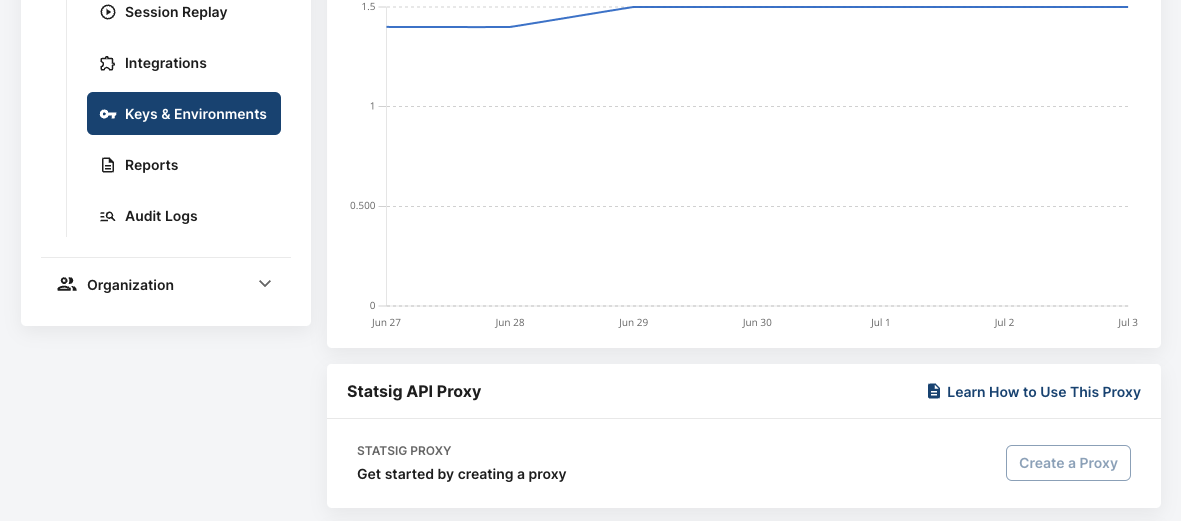
Selecting Create a proxy generates a new unique worker on AWS and returns a URL you can start using immediately.
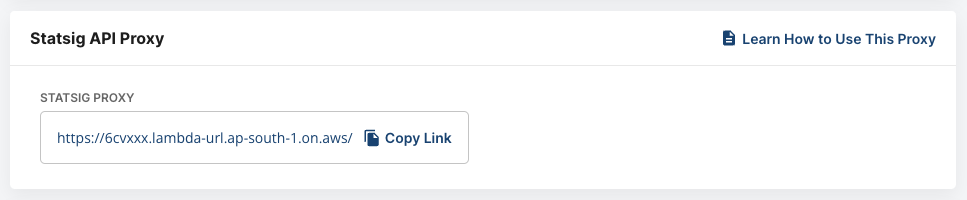
Statsig hosts the managed proxy in the ap-south-1 region. If you want it hosted in a different region, reach out to Statsig support.
Using your proxy
After you set up a proxy, apply its URL to the SDK. For JavaScript client SDKs, use StatsigOptions.networkConfig.api. Go to Statsig Options for JavaScript-specific options. Other SDKs may expose the proxy base URL differently, but the managed proxy URL serves the same purpose.
Some SDKs expect the proxy URL to include a /v1 path suffix. Check the initialization options for your specific SDK to confirm the expected URL format before applying your proxy URL.
The following example shows initializing with a proxy in JavaScript:
Statsig.initialize(mySdkKey, myUser, {
  networkConfig: {
    api: "https://my-statsig-proxy.com/v1",
  },
});
In JavaScript, networkConfig.api is a base URL, not the same thing as initializeUrl. Use initializeUrl only when you want to override initialization independently. There is no generic api fallback option; you configure endpoint failover with initializeFallbackUrls and logEventFallbackUrls.
Was this helpful?